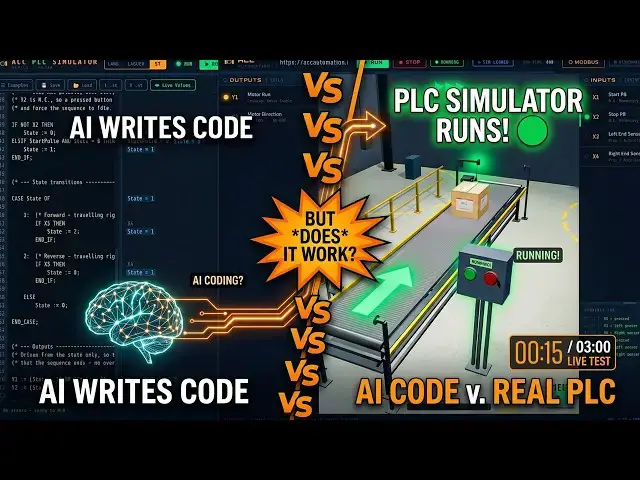

Can AI Program a PLC? I Tested It Live in the ACC PLC Simulator!
Sep 14, 2026

AI PLC programming tested in the ACC PLC simulator: a conveyor state machine in structured text, a one shot, fail-safe stop, and every test passing.
⚡ QUICK ANSWER
AI PLC programming was given one task: write a complete conveyor control program in Structured Text for the ACC PLC simulator, with six I/O points — X1 start normally open, X2 stop normally closed and true at rest, X3 and X4 proximity sensors, Y1 motor run and Y2 direction. What came back was not two lines of boolean logic. Claude produced a full state machine with variable declarations, a one shot on the start button, stop priority that runs before everything else, and a CASE statement handling three states — idle, forward and reverse — with the outputs derived from the state variable at the bottom. It arrived commented, with an I/O table and a sequence description. In the simulator it ran every cycle correctly, survived stop during forward and reverse travel, rapid start presses and power-up. Every test passed. Verifying it still took twenty minutes.
🔌 THE CONVEYOR SCENE I/O
X1 - Start (normally open)
X2 - Stop (normally closed, true at rest)
X3 - Left proximity sensor
X4 - Right proximity sensor
Y1 - Motor run
Y2 - Direction (off is forward, on is reverse)
📖 FULL WRITE-UP + THE CODE
https://accautomation.ca/can-ai-program-a-plc-i-tested-it-live-in-the-acc-plc-simulator/
⏱️ TIMESTAMPS
00:00 Can AI Program a PLC?
00:49 The Setup
01:15 What the AI Produced
01:48 The One-Shot
02:14 Stop Priority
02:41 State Transitions
03:09 The Test Results
04:17 Where the Human Is Still Needed
05:00 The Golden Rule
05:34 Try It Yourself
📚 WHAT YOU'LL LEARN
✅ Write a specification precise enough that an AI can answer it — six I/O points, contact types and the sequence you want
✅ Read a Structured Text state machine: variable declarations, a CASE statement, and outputs derived from the state at the end
✅ Understand the one shot — Start_Pulse fires for exactly one scan on the false to true transition, so holding start cannot restart the cycle
✅ Follow why NOT X2 means stop is pressed, and why running that check first gives correct fail-safe behaviour on a broken wire
✅ Trace scan order in step mode until you can explain every line, which is the part the AI cannot do for you
❓ FREQUENTLY ASKED
Q: Can AI program a PLC?
A: It can draft genuinely good code. In this test it produced a commented state machine with a one shot, stop priority and correct fail-safe behaviour, and every simulator test passed. What it cannot do is know your machine or your company standards, or stand behind the result.
Q: Why does NOT X2 mean the stop button is pressed?
A: Because X2 is a normally closed stop, so it reads true while everything is healthy. Press stop, or break the wire, and X2 goes false — which makes NOT X2 true and drops the state to idle. A programmer who misreads that line will misread the whole program.
Q: Did the AI code have any flaws?
A: One worth discussing. If start and stop are pressed in the same scan, the outcome depends on scan order. In most applications you want stop to win unconditionally, which is the kind of thing you only find by tracing the code.
👉 Full write-up and the complete code: https://accautomation.ca/can-ai-program-a-plc-i-tested-it-live-in-the-acc-plc-simulator/
🔁 THE OTHER SIDE OF THIS TEST
When I ran the same kind of experiment on a Click PLC, the AI got the stop button WRONG — it assumed a normally open stop on normally closed wiring. Worth watching alongside this one: https://accautomation.ca/using-chatgpt-ai-to-program-a-click-plc/
🔗 MORE RESOURCES
▶ Try the free simulator: https://accautomation.ca/simulator/
▶ Structured Text in the ACC PLC Simulator: https://youtu.be/B0UDgJnE3DQ
▶ All 22 rules for AI in PLC programming: https://accautomation.ca/do-not-use-ai-in-plcs-until-you-see-this/
▶ PLC Beginners Guide: https://accautomation.ca/programming/plc-beginners-guide/
▶ Free eBooks: https://accautomation.ca (subscribe for download)
🛒 RECOMMENDED HARDWARE
▶ Shop: https://www.automationdirect.com/
▶ Parts Guide: https://www.accautomation.ca/purchase-find-parts/
💬 Questions about the results? Drop a comment below.
🔔 New tutorials every Monday — Subscribe and hit the bell!
#PLC #LadderLogic #IndustrialAutomation #PLCProgramming #ACCAutomation #StructuredText #PLCSimulator #AI #LearnPLC
Regards,
Garry
ACC Automation
http://www.accautomation.ca
Show More Show Less