0:00
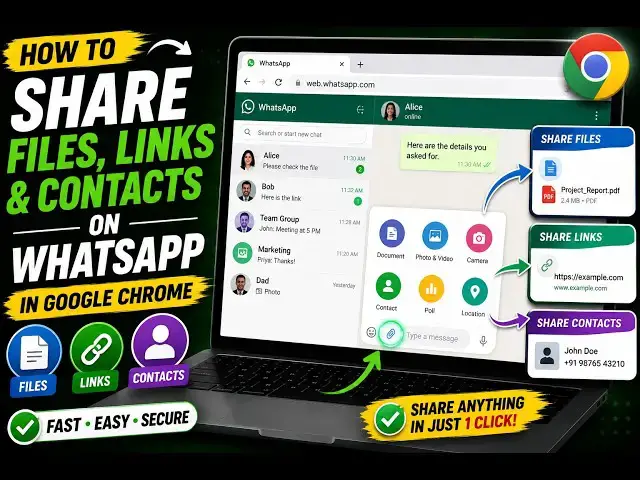
Hello guys, in this video I'll show you
0:02
a very good Google Chrome extension
0:04
which allows you to share content on
0:06
WhatsApp automatically.
0:09
So, if you are actually on a different
0:11
website and want to share quickly
0:14
a thing or a message or a photograph or
0:18
a video to your contact, then you can
0:23
Google Chrome extension. Simply search
0:26
share on WhatsApp, the very first
0:28
extension which comes.
0:30
So, once you download this extension,
0:34
you need to first of all activate this.
0:40
So, now the icon will appear something
0:43
So, let's suppose I close the WhatsApp
0:45
application and I am on a different
0:51
I am on a different website.
0:54
Let's suppose I go to
0:58
mark sheet generator.
1:05
And now if you like this website, you
1:09
you go to the Chrome extension right
1:12
here. Click on that. And automatically,
1:14
as you see, once you click on that,
1:19
WhatsApp application will be opened.
1:24
this send window will automatically
1:28
From here you can select your groups,
1:29
contacts, whichever contact you want to
1:37
And as you see, automatically the
1:39
message will be inserted, free mark
1:41
sheet generator online tool,
1:43
plus the website address.
1:46
This is a description of the website,
1:48
the link of the website. So, this is
1:51
automatically done by this extension,
1:53
guys. You are on any kind of website.
1:58
So, it can be any website. Let's suppose
2:01
I am on google.com once again. If you
2:03
want to share it, so this
2:06
shortcut of the extension once you click
2:11
WhatsApp application will open
2:19
And the website URL description,
2:21
everything. So, you can
2:25
and send this message. You will see that
2:28
now we successfully sent out the
2:33
So, this extension is quite useful,
2:35
guys, for sharing anything
2:38
very quickly using WhatsApp.
2:43
Share on WhatsApp. Definitely check this