0:00
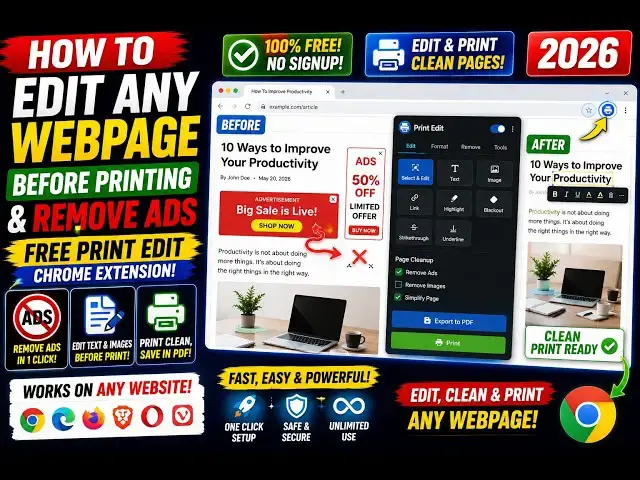
Hello guys, in this video I'll show you
0:02
a very useful Google Chrome extension.
0:04
So, if you do want to remove something
0:06
before printing a webpage, then this
0:09
extension comes into the picture. So,
0:11
simply search for this extension Print
0:15
So, you can edit webpages before
0:19
the webpage. If you do want to hide the
0:21
some elements or delete some elements
0:23
before printing the webpage, this
0:25
extension comes into the picture. I've
0:27
already installed it as you see that
0:29
it's almost have 100,000 installs.
0:33
So, it will appear the icon will appear
0:36
something like this. So, if you visit
0:39
let's suppose freemediatools.com,
0:42
and I click on this webs-
0:49
if you do want to remove this element,
0:52
you select the element,
0:54
and then you click delete.
0:56
So, let me delete this element. If I
0:58
don't want this, I can delete this.
1:01
If I don't want this, I can also delete
1:03
this. It's very simple.
1:06
So, just select the element that you
1:07
don't want, and then you s-
1:12
Now, as you see, the print window will
1:16
and now it was loading the webpage,
1:20
and now the thing that you know, those
1:23
elements will not be there,
1:25
which elements I removed.
1:27
As you see, those elements are
1:29
completely removed, and now you can
1:31
click the print button to actually print
1:33
the webpage. It's very simple extension.
1:36
The idea is very simple.
1:38
Let me again show you.
1:40
We visit a website, we click on this
1:43
Google Chrome extension.
1:45
Uh we click on any element that you want
1:49
hide this. You as you see it is
1:54
Now again, you can do this.
2:02
You can delete this. Delete.
2:06
Delete. So, this is very useful, guys,
2:07
if you do want to hide or delete any
2:09
element before printing a web page.
2:12
And just click on preview.
2:14
So, now as you see that
2:22
before printing the web page. So,
2:26
So, this is really useful, guys, in
2:28
those cases if you don't want any kind
2:30
of element to appear. So, in those
2:32
cases, this extension comes into the
2:34
picture, Print Edit WE. Definitely