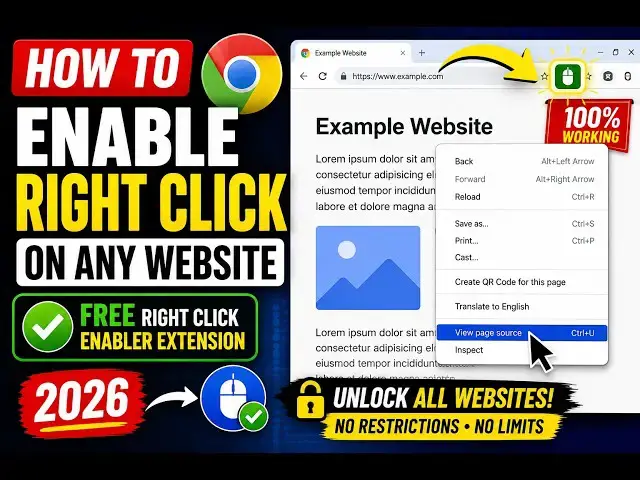
0:00
Hello guys, in this video I'll show you
0:02
how to enable right click in Google
0:04
Chrome browser. Um specifically in many
0:07
websites, right click is by default
0:09
disabled. So, you can basically go to
0:12
Chrome Store, simply search for this
0:21
If you just type this in the search bar,
0:23
this extension will come.
0:26
Simply click on that. It's got almost 5
0:32
I've already installed it, so this icon
0:35
will appear as you see that.
0:37
Once you install this, so you simply go
0:40
to any website where right click is
0:53
where specifically I disabled right
0:57
So, you click on that
1:00
So, now as you see, if you click on
1:03
that, now the right click will be
1:04
enabled. So, you can be able to right
1:08
So, this is my website where right click
1:10
was disabled. You come to the website,
1:13
and you simply click on this button.
1:16
So, now this will be on.
1:18
So, by default, if it is disabled, you
1:21
click on this Chrome extension, it will
1:23
enable the right click. And now you can
1:25
right click. You can see that.
1:28
In any application, if the right click
1:30
is disabled, you actually install this
1:32
extension, enable right click
1:35
for Google Chrome. This is the extension
1:37
right here. You click on add to Chrome.
1:40
So, once it get in installed, you simply
1:43
go to the website and click on this,
1:46
and enable right click. So, this will
1:51
enable the right click. So, in this easy
1:55
very easily on any website. So, thank