0:00
Uh, hello guys, in this video, I'll show
0:02
you a very useful Google Chrome
0:06
So, which lets you edit cookies.
0:09
So, cookies are very important
0:10
information related to a website. You
0:12
can directly create, edit, delete
0:14
cookies with this Cookie Editor Chrome
0:18
It's got almost 100,000 installs.
0:21
So, let me just add to Chrome and show
0:25
It has a really nice user interface once
0:28
So, cookies, as you all know, it's a
0:31
very important information
0:37
uh, related to your own data.
0:40
So, after it installs,
0:45
So, the icon will appear something like
0:47
this. So, while you visit a website,
0:49
let's suppose I open any website right
0:54
So, once you use a website, the website
0:57
stores information related to yourself.
1:00
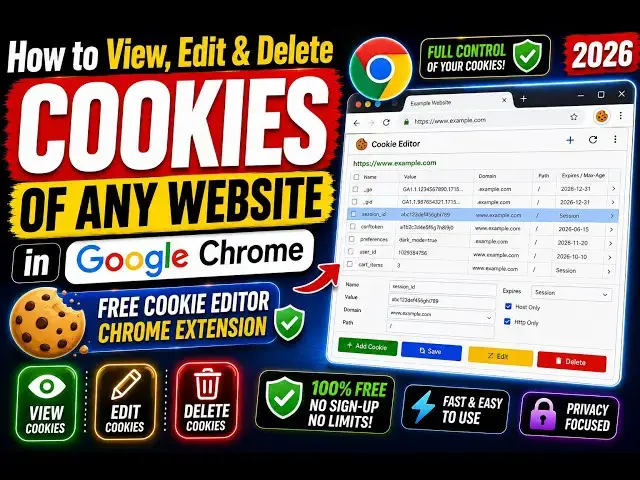
So, as soon as you click on this Cookie
1:02
Editor, it shows you all the information
1:05
related to the website, such as domain
1:07
name, expiration date,
1:10
host only, path, same-site, secure, in a
1:13
very nice, user-friendly way.
1:17
as you see, it is storing this
1:22
These are all cookies which are actually
1:27
storing right here. So, you can even
1:29
delete this cookie by clicking the
1:31
delete button. You can edit this cookie.
1:34
So, once you click the edit button, you
1:36
can actually change these values. So,
1:39
you can change the name, value,
1:41
And after that, click on edit.
1:44
Then, we also have delete. You can copy
1:50
So, you can clear the data browser,
1:52
delete all cookies by using this button.
1:55
It's a very good extension.
1:57
So, every website stores some cookies.
2:00
So, if you have some knowledge, you can
2:02
even edit these cookies.
2:05
this happens with every website. So, let
2:10
So, Google also actually, as you see, it
2:13
is storing these cookies.
2:21
We also have the search bar where you
2:22
can specifically search for a particular
2:39
You can even export all the cookies by
2:42
clicking the export button.
2:44
So, every cookie will be exported.
2:48
Click the export button, and it actually
2:50
export all the cookies in a txt file.
2:53
This is really useful
2:56
to export your cookies in a txt file.
3:00
You can even import your cookies as well
3:06
Sharing, we can add one more cookie
3:09
by giving a name and value. It's very
3:13
And you can even clear out all the
3:14
cookies by clicking the clear button,
3:19
Copy to clipboard. All these options are
3:22
So, it's really a nice extension, which
3:24
actually saves you a lot of time. You
3:26
don't need to open developer console to
3:28
actually edit cookies.
3:30
This is a really good Google Chrome
3:32
extension. Definitely, install this.