0:00
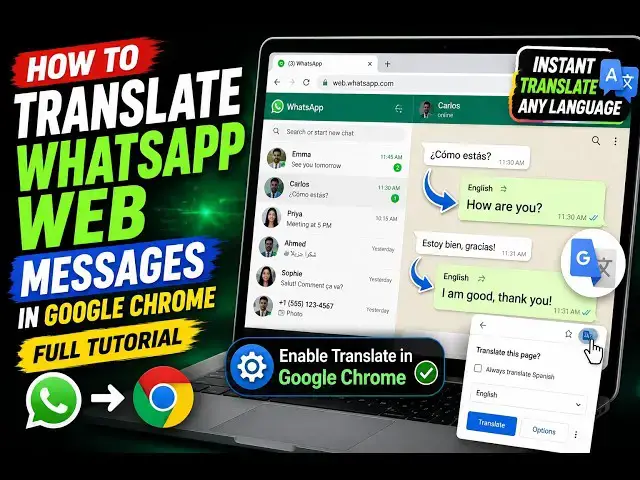
Hello guys, in this video I'll show you
0:02
another Google Chrome extension for
0:04
translating your WhatsApp messages in
0:06
real time. As you are typing the message
0:08
or receiving the message, 100 plus
0:10
languages are supported. You can
0:12
translate your messages without leaving
0:14
WhatsApp. Simply install this extension
0:17
WhatsApp Web Translator real-time
0:21
Simply click the add to Chrome button.
0:26
in many cases you do need to translate
0:28
messages from one country to another,
0:30
from one language to another.
0:32
So, simply first of all
0:35
activate the extension.
0:38
And now as you see the icon will appear
0:42
And simply open your WhatsApp Web.
0:49
So, this will save you a lot of time.
0:51
You don't need to go to Google Translate
0:53
and translate your messages.
0:58
Let me just open WhatsApp Web.
1:08
While you click the extension, the
1:15
Just open any message that you want to
1:18
So, this option will be added at the top
1:21
as you see auto translate.
1:24
this option is added by this extension.
1:26
You toggle this. Auto translate is a
1:29
premium feature that instantly
1:31
translates text to without manual input.
1:34
So, for this you do need to upgrade this
1:36
auto translate feature.
1:41
you click on the message that you want
2:04
This is actually a settings button which
2:06
will be added right here in the right
2:08
hand corner of the screen. Simply click
2:10
on that. English detected.
2:13
So basically the English detected detect
2:21
So right here you actually write any
2:30
You click on the extension.
2:41
I think it's not working properly.
2:44
Let me select a different extension for
2:48
You can select this one.
2:50
WhatsApp web translator. This also does
2:54
It's got almost 9,000 installs. Let me
2:57
try this extension instead of this. Let
3:00
me remove this extension.
3:10
doesn't work. So you need to switch to
3:12
the next extension which is there.
3:15
Don't waste time on that extension.
3:22
Simply activate this. So yeah. So as you
3:26
we have this extension go to WhatsApp
3:29
Click on that. Your language English,
3:37
By default auto is selected but you can
3:39
select any language. For example, let me
3:43
Click on more settings. Yeah.
3:56
>> So, just refresh it.
4:08
So, now as you see, go to any message.
4:24
Just click on that WhatsApp translator.
4:43
So, this extension will come right here
4:45
as you see, with the help of which you
4:47
will be able to translate.
5:10
100 plus languages are supported.