0:00
Hello guys, in this video I'll show you
0:02
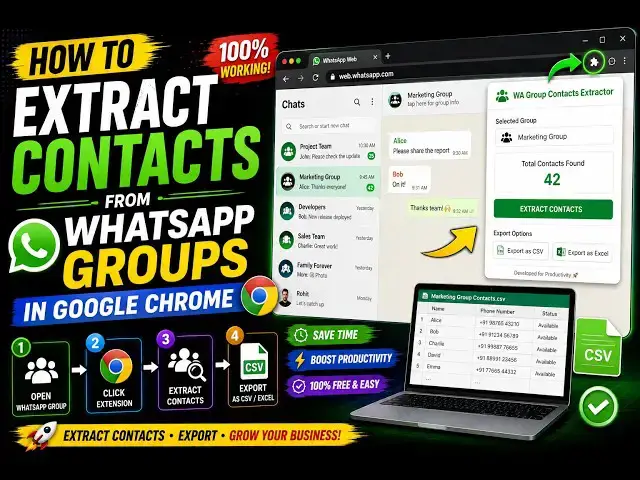
a very simple Google Chrome extension to
0:05
actually export all your WhatsApp group
0:07
contacts. If you have a WhatsApp group,
0:10
there will be a lot of people uh you do
0:13
need to export their contact mobile
0:16
In that scenario, you actually install
0:19
this extension Group Extractor for WA.
0:23
This is the name. You can export this to
0:28
I've already uh installed it. Click the
0:30
add to Chrome button and simply activate
0:33
this. The icon will show something like
0:36
When you click on this, the interface
0:37
looks something like this.
0:39
You select your export type, either
0:46
You can click on groups and from here
0:48
you select which group you want to
0:52
select. So, let me just select
0:57
You can select multiple groups as well.
1:01
And then click on this button extract.
1:08
of the 105 contacts have been
1:11
successfully exported. So, in the free
1:14
plan, you can even only extract
1:17
15 contacts, but they have the pro plan
1:20
One-time payment, which actually does
1:23
you unlimited chat contacts, unlimited
1:28
In the free contact, only 15 contacts
1:32
this is slightly a limitation. And once
1:35
you open your CSV file, you will see
1:39
the contacts will be extracted, such as
1:41
your country code, country name, phone
1:45
actual contact name, everything.
1:51
So, definitely check this extension out,
1:53
guys, which is Group Contact Extractor