0:00
Uh, hello guys. In this video, I'll show
0:02
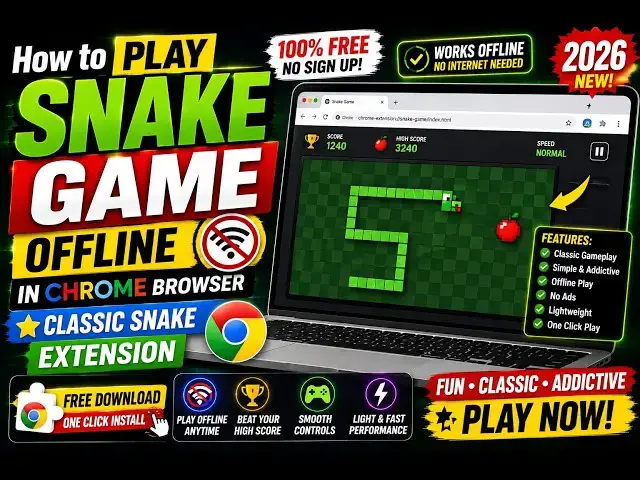
you how to play the Snake game,
0:04
which is a very famous game, very old
0:06
game that we have used to play
0:09
on mobile devices. So, you can directly
0:13
in Google Chrome using this extension.
0:15
Simply type Snake. It's got 300,000
0:18
installs. So, simply add this extension
0:22
The icon will be added.
0:25
It will appear something like this. You
0:27
click the icon, and the game will
0:44
So, you will see you just need to press
0:49
Or you can press A, S, D as well.
0:53
So, once it hits the wall, the game is
1:01
The score, as you see,
1:03
is also increasing as the snake is
1:10
And the speed also increases as it
1:12
collects the apples. So,
1:22
So, once it hits the wall, the game is
1:33
So, this is the game, guys. Very simple.
1:35
Just press the arrow keys.
1:38
In this easy way, you can play the game
1:40
in directly Google Chrome.
1:59
So, you can see that it will also show
2:01
you the high score, which is very simple
2:04
Directly you can play this in Google
2:06
Chrome. Install this extension.