0:00
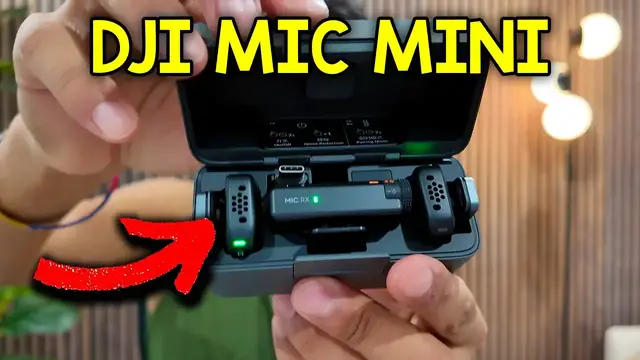
So here's the DJI Mic Mini and it comes with these two packages and inside here we have the
0:05
quick start guide, a cool sticker and this thing and there's also the pouch and inside here everything's
0:10
going to be tucked nicely inside with these three things. So it comes with four windscreens, two of
0:15
them are going to be gray and the other two are going to be black. There's also the cables so we
0:19
have the aux one and the USB A to USB C charging cable and the mic with the charging case itself
0:25
so this just comes right off. I could lift this and there they are. And use a closer look at the
0:31
microphone itself. It's going to have like this slanted angle on it with DJI the logo there
0:36
And on the backside, we're going to have the clip as well as a magnet, which is going to make it easy
0:40
to put like the shirt just like this. And then here's the receiver itself. So we have the button
0:46
for linking the power button here. And then when we connect it directly to the camera
0:51
and there's also going to be this clip. Alternatively, you can also connect this to your phone
0:56
as long as you use this USB-C attachment. And to do this, we have to slide this cover right off
1:01
so pull off like so, and then put it like this. And then I can attach it to something like my phone
1:11
Everything can go back neatly in here, just like that. And also, if we want to attach these little windscreen windmuffs
1:16
these can just be placed in here, so just like that. it's going to clip onto place and then this can be pulled out as well or if I pull it from the front
1:25
it'll come off easier but for now I'll put everything away and that's a quick look at the DJI mic mini