0:00
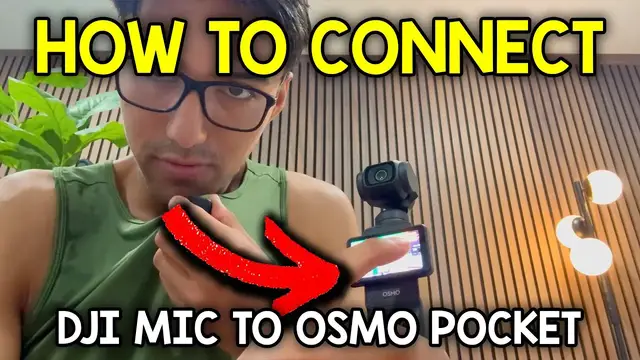
So to connect your DJI mic mini to your Osmo Pocket 3, you want to start by pulling this out
0:05
And we're going to attach this one to here. And I can just flip the screen to turn it on
0:10
And from this way, just flip on the side. Actually, I meant from the top flip to the side
0:16
Press this little icon here. It's going to be like the gear looking one. And at the top, wireless microphone, TX1
0:26
And then right over here, just hold that linking button like this. And then we're going to see it's going to turn blue and green
0:33
That means it's currently in the pairing process. And just give it a few moments
0:38
And there, now it's connected. And you can see what my battery level is, which is going to be 60%
0:43
So right now, this is the internal microphone for my iPhone 16 Pro Max. But now let's switch over to the Pocket 3 with the Mic Mini
0:51
And this is what the audio currently sounds like. And it's about right over here, a little bit on my upper chest
0:58
if I bring it closer here then this is going to get in the red zone and here you can kind of get
1:03
a better view of what I'm talking about right over there there's that red zone and so let me just pull
1:09
it backwards and then that's like in a healthy level yeah hopefully this video helped you pair
1:13
it and thanks for watching