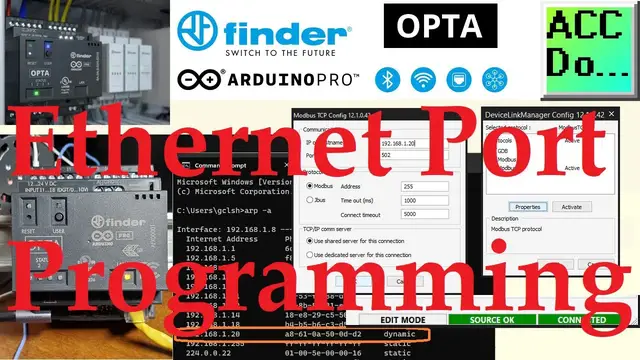

Programming the Arduino OPTA PLC using Ethernet Port
Jul 24, 2023

The Arduino Opta IoT PLC offers a hassle-free programming experience through its integrated Ethernet feature and efficient Arduino PLC IDE software.
First, we'll connect the Ethernet cable to the OPTA IoT PLC and find its IP and MAC address. After that, we'll configure the default programming port to Modbus TCP (Ethernet) via the Arduino PLC IDE. Finally, we'll compile and transfer our PLC code to the OPTA. Let's begin.
Detailed information about this post can be found on our website:
https://accautomation.ca/programming-the-arduino-opta-plc-ethernet-port/
00:00 Programming the Arduino OPTA PLC - Ethernet Port
00:58 Finding Opta PLC Ethernet Port IP address
02:27 Dynamic VS Static IP Address
03:12 Changing Programming Port from USB to Ethernet
Arduino Opta IoT PLC Series
https://accautomation.ca/series/arduino-opta-plc/
This contains the following highlighted posts and videos and more:
Arduino Opta IoT PLC Hardware
https://accautomation.ca/cutting-edge-hardware-of-arduino-opta-iot-plc/
https://youtu.be/a8JFUr11b1k
Arduino Opta Software Installation
https://accautomation.ca/arduino-opta-software-installation/
https://youtu.be/Vk-TgZ0xQrI
Show More Show Less #Programming
#Factory Automation