Up next in 10



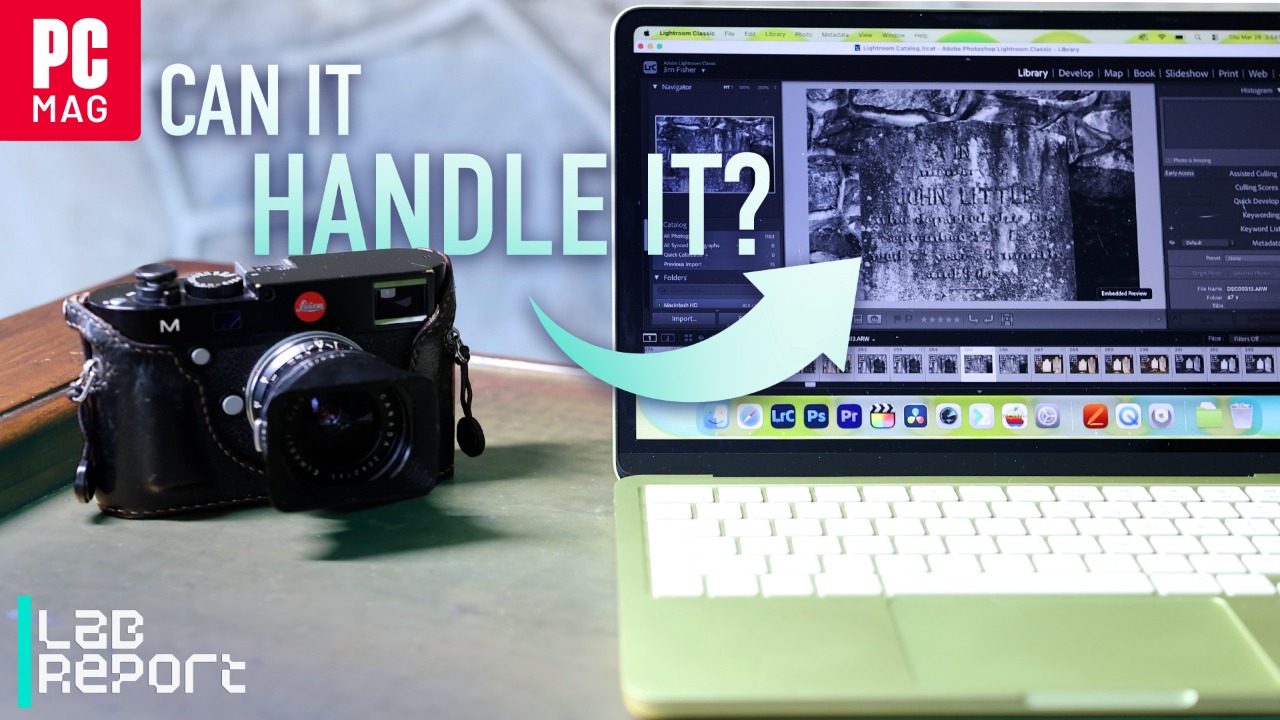
We pushed the budget MacBook Neo through demanding creative work.
Show More Show Less View Video Transcript
0:00
The MacBook Neo is an outstanding value. The $599 notebook is the most affordable Apple laptop ever
0:06
and it doesn't skimp on fit and finish to get there. It has a gorgeous 13-inch display
0:11
an aluminum body, and a great keyboard and trackpad. It's an ideal computer for students
0:16
in office work. But how well does the Neo handle creative work? Photo and video editing require
0:21
more computing power than web browsing and spreadsheets. I'm PCMag's camera guru
0:25
so I put the MacBook Neo to the test to find out. For pictures, I loaded shots from the 33-megapixel
0:31
Sony A75 and 100-megapixel Hasselblad X2D into Adobe Lightroom Classic. The Neo takes longer to
0:38
import pictures versus the $949 M4 MacBook Air because its USB port is slower and it can't render
0:45
preview images until after it's finished copying photos, but it easily handles edits to exposure
0:50
contrast, highlights, and shadows. But the Neo struggles with more difficult edits
0:55
It takes about 90 seconds to apply noise reduction to an image versus 20 seconds for an M1 Max Max Studio from 2022
1:02
The studio's faster, multi-core processor and extra memory wins the day there
1:07
I also noticed some lag when zooming in and panning across RAW photos with the Neo
1:10
and dealt with similar lag when using the sensor dust removal brush
1:14
Simply put, the Neo suffers with Lightroom's advanced retouching tools. What about video
1:19
I loaded some 10-bit 4K 24 footage from the Canon EOS R50V into Final Cut Pro and dropped it onto a timeline
1:26
I overlaid three clips with partial opacity so the Final Cut would have to render them at the same time The Neo handle playback with flying colors No dropped frames or stutter It does take a little while to export an H clip It runs at about twice real speed so a six edit takes three minutes to export That not a big
1:44
deal for short-form content, but if you're editing longer videos, you're in for a wait
1:48
Not surprisingly, the Neo is no good for 8K video. I loaded some clips from the Canon EOS
1:53
R5 Mark II, and the computer just can't play them back in Final Cut, Premiere Pro, or Resolve
1:58
The footage stutters and the audio is garbled and out of sync. If you're going beyond 4K, you simply need a beefier system
2:04
The Neo doesn't have that much storage either. The base model comes with 256GB, about half of which is available after installing some
2:11
creative apps. Apple also has a $699 version that has a 512GB SSD, but creatives know how quickly that fills up
2:19
The Neo has two USB-C ports to connect an external hard drive or SSD, but only one runs
2:24
at 10GB per second speed. The other is stuck at 480 Mbps, so it's really only good for charging
2:30
I also think that the 13-inch screen is a little small for editing work
2:34
Timelines, adjustment panes, and media bins take up precious screen real estate, so you
2:38
end up looking at a tiny image or video clip, which can make it harder to judge focus and exposure
2:43
The MacBook Air is available with a roomier 15-inch screen, which I like better for editing
2:48
My advice? If you're looking for a laptop for photo and video editing on the go, it's worth it to
2:53
stretch your budget and pick up an M4 MacBook Air over the Neo. The price difference isn't huge
2:58
and you'll appreciate the faster performance and larger screen in the Air. The Neo is as good as a
3:03
$599 laptop can be, but falls short for demanding creative work
Celebrities & Entertainment News