Up next in 10



Experts break down Apple’s latest AI upgrades and what they really mean.
Show More Show Less View Video Transcript
0:00
Andrew, what did you think of the AI that we got to see, considering, I guess to some people, this is brand new
0:07
Like, look at this new image playground stuff. Or look, I can ask a follow-up question to Siri
0:12
How did you take that information in? So most of it is, yeah, it's fairly similar to what we've seen on Gemini
0:21
and a lot of it, like the contextual awareness and like picking up context from a picture and
0:28
being able to break down like nutritional info and food and things like that. That's been on
0:33
Gemini for a while. That said, I mean, they're nice to have. It's good to bring it over to Apple
0:39
and it's better late than never that Apple does get these features. They did have one feature
0:45
I've never seen anything quite like that reframing picture thing where they you know he the the the
0:53
demoer had the picture of his kids and then he kind of like moved the frame around and to the
0:59
side and it looked like the image was actually 3D and it just filled in around the edges and I
1:05
thought that the little poster they were holding up got clearer afterwards that could just be my
1:10
imagination. So I haven't, you know, Google has a ton of image editing stuff, but I didn't see
1:16
I don't think I've seen that specifically. Everything else I think Google's already done
1:21
where Apple's trying to set themselves apart is, is they draw, drew a clear line with like
1:27
hey, this is going to be on device as much as possible. This is going to be on private cloud
1:32
as much as possible. And, and so I think that's what they're trying to do is use Google's tools
1:38
and add their own kind of walled garden. But yeah, a lot of it for so much of this presentation
1:45
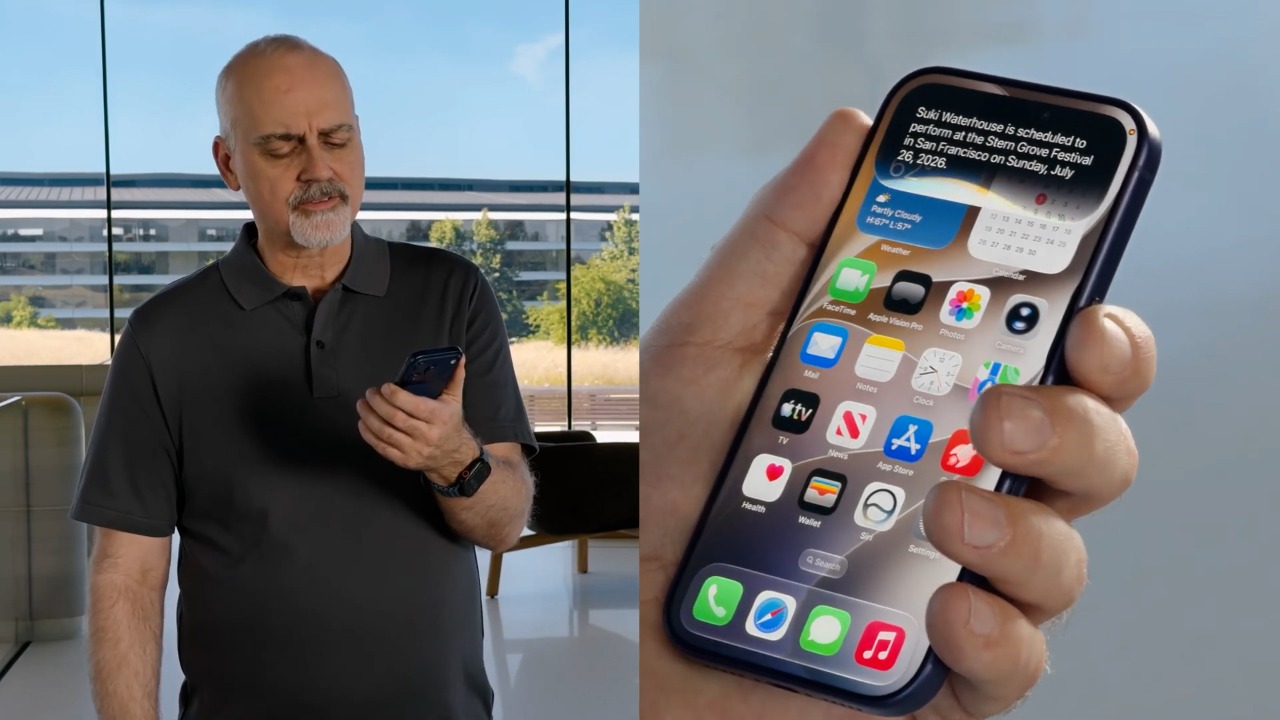
it wasn't brand new AI tools for sure. And we were seeing the new interface for Siri
1:52
which it basically pops out of your dynamic island on iOS, and you can have a conversation up there
1:57
And if you want to continue conversing with it, you can drag from a corner for it to take up the full screen
2:02
for the dedicated Siri app. Timothy what did you think of I guess the AI stuff on Apple Do you think that this is something that the general public is going to be excited about I mean the spatial reframing that Andrew was talking about was really cool
2:17
Taking a 2D image and then turning around, having different perspectives on an image that was already taken from multiple different cameras
2:24
They weren't just saying, like, it had to be shot on an iPhone 12 or later
2:28
They said any photos. So that's, I thought, pretty neat. But, Timothy, what do you think
2:32
Yeah, there were some interesting AI features I'm excited to try. So why don't I start with what I'm excited about. Spatial reframing definitely seems cool. Another big advantage Apple has is, of course, their in-house silicon, so they can run a lot of these AI processes on device, which makes them more secure. They also emphasize, hey, we're not going to use any of this for training, which people always like to hear
2:56
The other feature that I thought sounded really interesting was describe a shortcut
3:01
Now, I've had trouble setting up shortcuts and getting them to work
3:05
I don't think the average person uses them at all, but it's actually a really useful thing that Apple does
3:10
And the ability to just say, hey, Siri, I want you to make this shortcut and have it go out and build that for you
3:17
I think that's really cool. I'm excited to try that. But overall, most of the AI features they announced, like the contextual awareness, I was like, hey, that's magic cube
3:26
Google introduced that a year ago. And that's basically the vibe of most of the new features
3:33
Like, yeah, it's great that this is here. I think iPhone users especially are going to be excited they can do this
3:38
But we already have all that. Yeah, you're right about describe a shortcut might be more exciting when you actually end up using it in real life
3:47
and the demo they showed, the version was make sure that text Pedro when I leave work
3:55
like give an ETA when that happens. So yeah, when I'm leaving work, message Pedro with an ETA
3:59
I don't know why you have to do that, but that's a version of automation you could make. Now, Apple for the longest time has had these tools for just regular users
4:08
They've had AppleScript for ages. They had Automator as a newer version of it
4:12
So theoretically, it was easier to automate your own stuff. And they have shortcuts which is kind of like automators son of Automator But this version of making it simpler by just describing what you want could make it much more useful to people day by day
4:27
I don't know if Apple had the ability to show extremely narrow cases
4:34
that it's going to really be awesome for you and you and you, but not for everyone because everyone's a little different for what they need
4:40
Because maybe I don't want Pedro knowing once I'm coming home. Maybe I want something else to happen
4:44
but those are just done by person by person. So it's really hard to get excited about
4:50
look at all these shortcuts we could make and we have no idea what they could be because we don't know which apps are going to work with it
4:55
Do I have to use all of Apple's apps to make this work? Do I have to use Mail to use this to work? We don't know that yet
4:59
Now there are APIs, theoretically, the apps, other apps, third-party apps will be able to integrate with Apple's world
5:09
But the question is, do I have to keep using Siri to talk to Mail
5:13
or can I have it talk to Gmail? Can I have it use Google Calendar or Fantastical or any other calendar
5:19
Or does it have to be Apple Calendar? I don't know if Apple made that clear very much, unless I read it wrong
5:26
Andrew, what was your feel on that? Yeah, some of it, I mean, I think is going to stay Apple specific
5:34
like their thing in Safari, right? Where you can now, I like the idea of organizing tabs by topic
5:42
and they I think they they even took a shot at Chrome in there without ever mentioning Chrome
5:48
but I doubt like that will get spread to other platforms and you're right in terms of like
5:55
these tools and how widespread they're going to be like they barely even this is a developer
5:59
conference so we didn't get a lot of hardware but they didn't even mention APIs that much until the
6:07
very end, at least as far as what I was catching. So unknown, I mean, my guess is the tools are going to be available for folks to develop on
6:20
And I like the idea that at the very least, the base level of the tools is going to be
6:25
free for people to use But how Apple specific it is I think that remains to be seen in terms of what the developers are actually going to do and it remains to be seen so they said it going to
6:39
be free but you need the more powerful most recent iphones to do the best stuff so what's that mean
6:46
what you know they're mentioning it's going to roll back to iphone 11 which is really cool
6:51
but what are you going to be missing which of these new things are so so i have some concerns
6:56
about how wide it's going to spread and whether it's going to stay Apple specific
7:01
And I think some stuff very clearly isn't, but I like they're at least approaching it
7:07
from the base of let's make the stuff free. So that's good
7:15
For clarity, Andrew's talking about how iOS 27 will support the same hardware as iOS 26
7:21
So it goes from iPhone 11 to the most current iPhone will be able to support iOS 27
7:27
However, there are features that will not be available to every iPhone in that list
7:33
So you have this strangeness going on of certain devices can do more
7:38
certain devices do less, but they're running the same operating system, which I think can cause a lot of confusion, frankly
7:43
Because if you think, hey, does my iPhone do this? It's like, yeah, an iPhone does that
7:48
but not your iPhone. So Timothy, what did you think of this kind of
7:52
we're going to support you all kind of attitude and then saying, well, not really
7:59
Yeah, the not really of it all kind of sums up the vibe of the show for me a little bit
8:06
Yeah, I mean, it's long been the case that only certain devices support Apple intelligence
8:10
So I guess I'm not surprised that as they're moving much more heavily into AI
8:15
it's not going to be supported on some of those older devices. it is kind of a bummer for people with those older macbooks or iphones but the whole like we're
8:24
gonna tell you about this new thing but not everyone can try it kind of sums up the feel
8:28
for me i mean especially when it comes to the new siri i mean i was i was very surprised uh that you
8:35
can't try that anytime soon um yeah like i said it all just left me wanting a little bit more
#Celebrities & Entertainment News