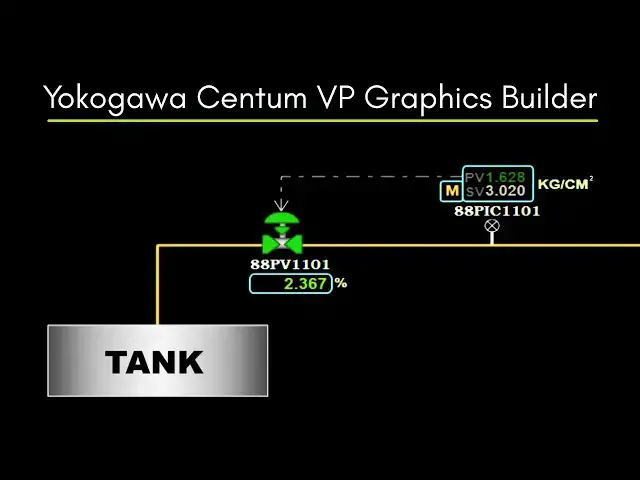

Yokogawa Centum VP Graphics Builder Tutorial: How to Assign Tag Name?
Dec 2, 2025

In this step-by-step tutorial, we will learn how to assign a tag name in Yokogawa Centum VP Graphics Builder. This guide shows the proper method to link process tags, faceplates, and control loops inside Centum VP DCS. Ideal for beginners, instrumentation engineers, and control system technicians working on industrial automation projects. Don’t forget to subscribe for more DCS training videos!
DCS HART Course Here: https://www.udemy.com/course/dcs-system/?referralCode=6274F327A6D571A0BBDD
#yokogawa #graphics #centumvp #dcs
Tags:
yokogawa centum vp, yokogawa centum, centum vp tutorial, yokogawa graphics builder, centum graphics builder, assign tag name, dcs training, yokogawa dcs, dcs graphics, process automation, industrial automation, instrumentation training, control systems, dcs engineering, yokogawa centum vp training, faceplate configuration, dcs hmi, hmi graphics, tag mapping, dcs tags, i/o configuration, engineering tutorial, plant dcs, yokogawa operator graphics, automation learning
Show More Show Less