0:00
Hello everyone, myself Baradwas. In this
0:03
video we will discuss about control wall
0:09
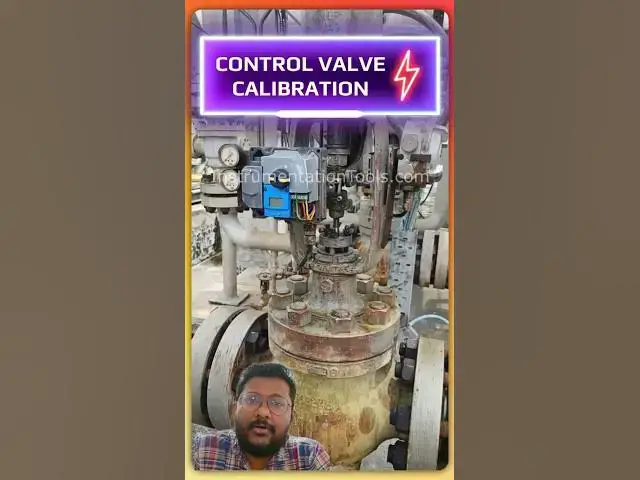
See this is my wall positioner. I
0:12
removed the front cap and now I am
0:15
connecting hot communicator across the
0:19
terminals. Now I will do the control
0:22
wall travel calibration using hot
0:27
For that purpose, first we have to
0:29
connect the hot communicator and we have
0:32
to go to online. We have two terminals
0:35
for the hot communicator. So we are
0:38
connecting those two terminals. Now I
0:43
Now we are online. These are the
0:46
available menus and the values will be
0:49
updated on the right side. These are the
0:52
present values. Right now we are
0:54
receiving 4 millia signal from the DCS
0:58
Now I will go to the main menu
1:02
and I will go to calibration.
1:07
Press enter. Now I will select travel
1:12
You can use the display touch options.
1:16
Okay. Now the calibration is started.
1:19
You can see on the wallve stem position.
1:22
The wall stem position automatically
1:25
moves from 0 percentage to 100
1:27
percentage and in between intervals also
1:32
the wall positioner sends some
1:35
predefined signals to the wall stem.
1:38
That means it operates regulates the
1:41
instrument air supply to the actuator.
1:44
You can see the status here. Travel
1:48
Right now the calibration is still going
1:52
After 1 minute or 2 minutes, the
1:54
calibration will be completed. You will
1:56
see a message successful calibration on
2:00
the display and on the hot communicator