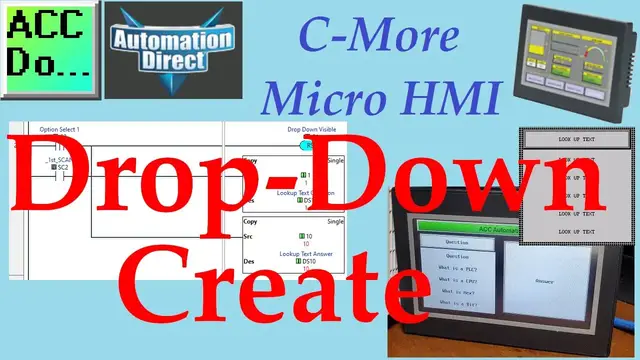

C-More HMI Drop-Down Create
Oct 12, 2022

The C-More can create a drop-down menu. A drop-down is a menu that offers a list of options. The currently selected item in the list is always displayed. When the visible item is selected (touched), other things from the list "drop-down" into view, and the operator can choose from those options.
We will be creating a drop-down menu using a C-More Micro HMI. (Human Machine Interface) This could also be done using the EA7 or EA9 C-More HMI controllers. The EA3-T4CL will be communicating to a Click PLUS PLC. A ladder logic program in the PLC will control the operation of this operator interface drop-down menu. Selecting a question on the drop-down will give an answer on the corresponding Lookup Text display. Let's get started.
More information can be obtained on our website. This includes all of the links mentioned in this video.
https://accautomation.ca/c-more-drop-down-menu-create-all-models/
Previously we have discussed the following in our C-More Micro HMI Panel:
System Hardware
https://accautomation.ca/c-more-micro-hmi-system-hardware
Unboxing and Review Video
https://youtu.be/_uCcALMqYlM
Installing the Software
https://accautomation.ca/c-more-micro-hmi-installing-the-software
https://youtu.be/BIGrOvxlDTI
- Update Automation Direct Software C More Micro Software Video
https://youtu.be/MNjTpirZs1s
System Setup Screens
https://accautomation.ca/c-more-micro-hmi-system-setup-screens
https://youtu.be/KolqJkKKhaA
First Program
Show More Show Less #Business Operations
#Programming
#Jobs & Education
#Industrial Measurement & Control Equipment
#Factory Automation
#Intelligent Personal Assistants