
C-More Micro HMI Object Buttons and Indicators
Oct 24, 2022

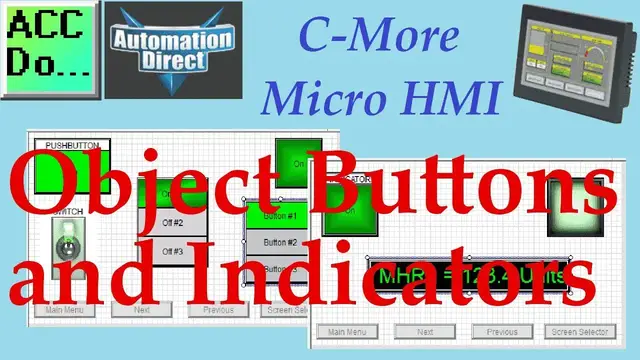
We will now look at buttons and indicators we can use on our C-More Micro HMI. The C-More Micro HMI Panel software uses virtual components called Objects. These objects are programmable to simulate the functions that you require on your automation project. Several of these objects can be placed on a one-panel screen, and you can have multiple panel screens. This helps you produce simple, intuitive-looking human-machine interfaces.
Continuing from last time, we will now look at the buttons and indicators we can use with our HMI micro panel. Let’s get started.
More information can be obtained on our website. This includes all of the links mentioned in this video.
https://accautomation.ca/c-more-micro-hmi-object-buttons-and-indicators
Previously we have discussed the following in our C-More Micro HMI Panel:
System Hardware
http://accautomation.ca/c-more-micro-hmi-system-hardware
Unboxing and Review Video
https://youtu.be/_uCcALMqYlM
Installing the Software
http://accautomation.ca/c-more-micro-hmi-installing-the-software
Installing the Software Video
https://youtu.be/BIGrOvxlDTI
- Update Automation Direct Software C More Micro Software Video
https://youtu.be/MNjTpirZs1s
System Setup Screens
http://accautomation.ca/c-more-micro-hmi-system-setup-screens
System Setup Screens Video
Show More Show Less #Consumer Electronics
#Car Electronics
#Programming
#Software
#Factory Automation
#Home Automation
#Virtual Reality Devices
#Intelligent Personal Assistants