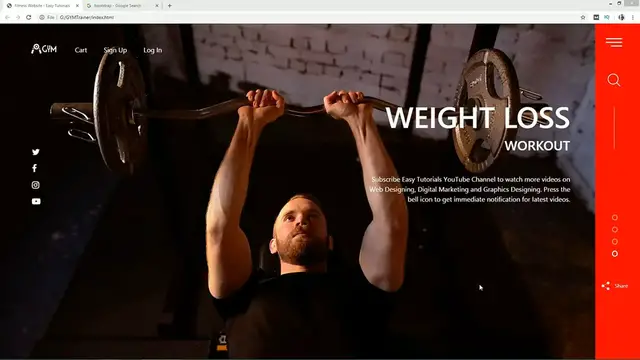
This video tutorial shows how to create a website using HTML, CSS, and Bootstrap. Bootstrap is a popular front-end framework that provides a set of pre-made code that you can use to create a responsive and mobile-friendly website.
The video begins by explaining the basics of HTML, CSS, and Bootstrap. It then shows how to create the basic structure of the website using HTML.
The video then moves on to the step of adding the content to the website, such as the text, images, and videos.
The video concludes by discussing how to style the website using CSS and Bootstrap. This includes using different colors, fonts, and layouts.
Here are some of the key concepts covered in the video:
HTML
CSS
Bootstrap
Creating a website using HTML, CSS, and Bootstrap
Latest website design
I hope this helps!
Here are some additional details about the video:
The video is 30 minutes long.
The video uses the following tools: HTML, CSS, Bootstrap, and a text editor.
The video is suitable for beginners who are learning how to create a website using HTML, CSS, and Bootstrap.
The video also provides tips on how to make your website more unique and personalized. These tips include using custom fonts, colors, and images.
Overall, the video is a comprehensive guide to creating a website using HTML, CSS, and Bootstrap for beginners.
Here are the steps on how to create a website using HTML, CSS, and Bootstrap:
Create a new HTML file and save it with the .html extension.
Add the basic structure of the website using the html, head, and body tags.
Add the content to the website, such as the text, images, and videos.
Style the website using CSS and Bootstrap.
Test the website in a web browser to make sure it looks and works correctly.