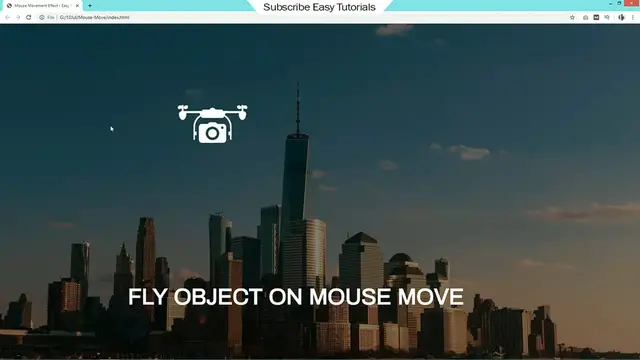
This video tutorial shows how to make a website with animation using HTML, CSS, and jQuery. Animations can be used to make websites more visually appealing and engaging.
The video begins by explaining the basics of animation and how to use it in HTML and CSS. It then shows how to create a simple animation using the transition property.
The video then moves on to the step of adding more complex animations using jQuery. This is done by using JavaScript functions to control the movement and appearance of elements on the page.
The video concludes by discussing some of the different ways to create animations.
Here are some of the key concepts covered in the video:
Animation
HTML
CSS
jQuery
Creating animations in HTML and CSS
Creating animations using jQuery
I hope this helps!
Here are some additional details about the video:
The video is 20 minutes long.
The video uses the following tools: HTML, CSS, jQuery, and a text editor.
The video is suitable for beginners who are learning how to make a website with animation using HTML, CSS, and jQuery.
The video also provides tips on how to make your animations more creative and engaging. These tips include using different animation techniques, such as tweening and CSS3 transitions.
Overall, the video is a comprehensive guide to creating animations in HTML and CSS for beginners.