
The Plugin Every Sound Devices User Should Install (With Real World Examples)
Nov 30, 2025

Let’s take a closer look at how MixAssist works from Sound Devices. More Videos: https://www.youtube.com/playlist?list=PLRetTs0Osqn0GMRwSsp0iSUlkZTbtH0LC
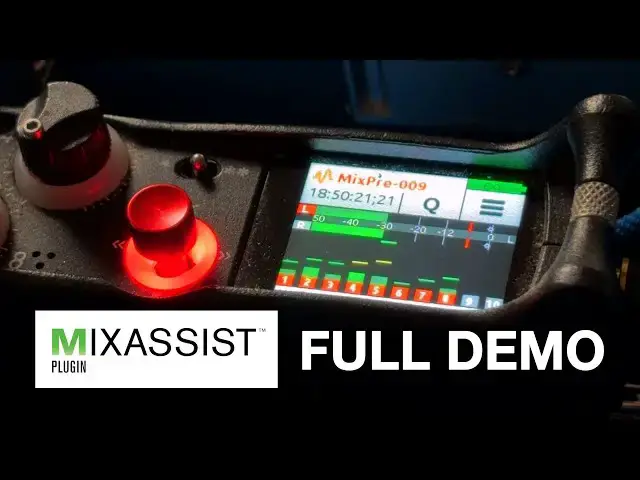
Want cleaner mixes with multiple mics—without chasing faders all day? In this video I walk through the MixAssist plugin from Sound Devices, including how to install it, how it works under the hood, and why I recommend it for anyone recording panel discussions, live TV, or multi-mic setups.
I’ll show the full setup on a MixPre-10 II, talk through the gain strategy, explain how MixAssist calculates its automix, and demonstrate how it performs in real broadcast environments like the NBA Finals and NFL Combine for ESPN.
Key Takeaways
1 - This isn’t just a plugin—it’s a workflow upgrade.
2 - MixAssist is a $99 Sound Devices plugin that automatically manages multi-mic mixes
3 - Works on MixPre (v1 & v2), 6-Series, 7-Series, and 8-Series mixers
It reduces unused mic channels by ~15 dB to avoid comb filtering & phase issues
4 - It’s NOT a gate — it’s constantly comparing all mics to a shared gain reference
5 - You still must ride faders manually — MixAssist just handles gain
6 - Gain staging is critical for it to work correctly
7 - Ideal for live broadcast, panels, and multi-lav setups
8 - Installed via SD card and permanently tied to one mixer
9 - More sound tutorials on the way — subscribe if this helped!
Chapters
Show More Show Less