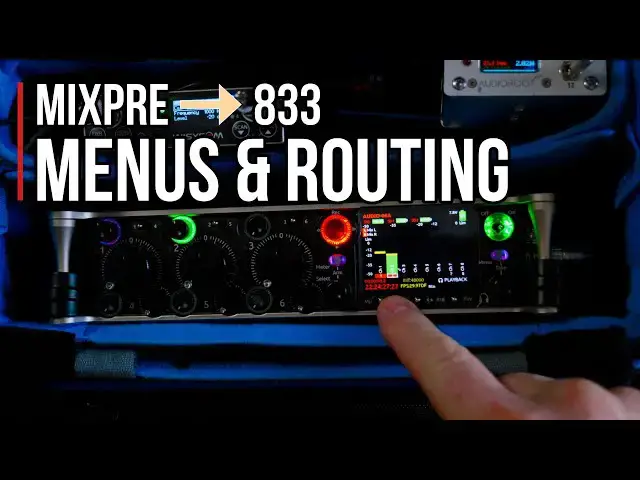

MixPre → 833 Tutorial: Menu, Channels, Settings & Routing Explained
Dec 15, 2025

Let’s go inside the menus and channel strips on the Sound Devices 833. More Videos: https://www.youtube.com/playlist?list=PLRetTs0Osqn0GMRwSsp0iSUlkZTbtH0LC
n this video, I walk you through the Sound Devices 833 mixer menu system and show you exactly how to get the most out of this powerful unit. From arming channels, setting levels, and using microphones like the Sanken CSM1 and WYSICOM MCR54, to navigating EQ, compressors, auto-mix, noise suppression, buses, outputs, headphone presets, and more—I cover it all.
I also show some of my favorite features, including channel routing flexibility, daylight mode, timecode jamming, and headphone customization. This video is perfect if you’re upgrading from a MixPre or looking to get comfortable with the 833’s advanced functionality.
Be sure to check out my other videos in this series:
* Unboxing & Physical Comparison: MixPre vs 833
* Packing & Setup: How I Organize the 833 in My Bag
This is part 3 of a 3-part series:
Part 1 - https://www.youtube.com/watch?v=qeFto1E0U78&list=PLRetTs0Osqn3kVrFI-67BTxR1E0fYFSzS
Part 2 - https://www.youtube.com/watch?v=T321Xqsc-ds&list=PLRetTs0Osqn3kVrFI-67BTxR1E0fYFSzS
Part 3 - https://www.youtube.com/watch?v=Jq4C59s3hiY&list=PLRetTs0Osqn3kVrFI-67BTxR1E0fYFSzS
If you want to level up your audio game, this walkthrough is for you. Let’s dive in!
Go behind the scenes with me at Location Audio Jobs:
https://www.youtube.com/watch?v=e_V5XBH8C_M&list=PLRetTs0Osqn2p1PlAOqWQaIEhfj1Gd_Vx
Show More Show Less