Up next in 10



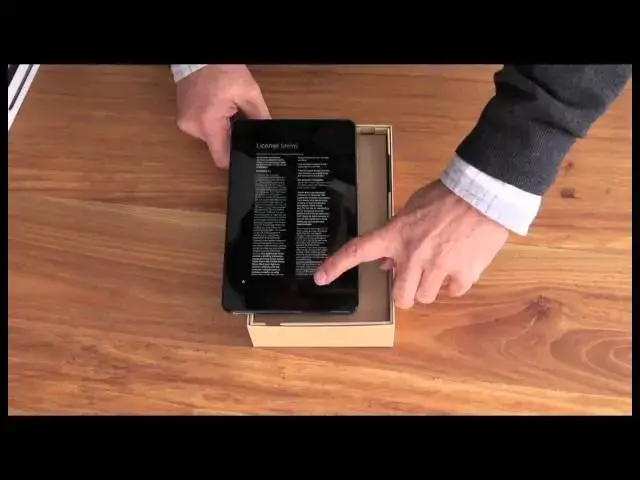
Dave Taylor of http://www.AskDaveTaylor.com/ unpacks a brand new Dell Venue 8 Pro windows tablet (with the slick Bay Trail Intel CPU inside), and is impressed with the packaging and the end product. For just a few hundred bucks, it's a meaningful competitor to the hegemony of the Apple iPad line.
Show More Show Less View Video Transcript
0:02
hi dave taylor here with another video
0:04
this time it's an unboxing of the dell
0:06
venue 8. this is a pretty sweet windows
0:09
8 tablet let's have a look so nice
0:12
outside packaging and a little picture
0:15
there giving you a hint of what's going
0:16
to be inside well you can see there
0:18
that's pretty cool
0:20
let's open it up because that's what
0:22
unboxing is all about right getting
0:24
things out of boxes so get that out of
0:26
the way
0:27
there we go get the logo right open this
0:30
up
0:32
and there's our tablet with lots of
0:35
plastic so
0:37
let's see
0:38
so first thing we can do is we can take
0:40
the plastic off always good idea maybe
0:43
let's try starting with the tab
0:53
all right so now let's see we have the
0:56
buttons on the side looks like a really
0:59
big android phone actually
1:02
let's see what happens when we start it
1:03
up
1:08
there you can see what's going on
1:11
region and language all right
1:14
next
1:15
i'll do it upside down so you can see
1:17
what's going on
1:18
and license terms now quick you're going
1:21
to read that for me right so we're good
1:22
we're good
1:24
all right email address yeah we'll skip
1:26
that part
1:28
so believe it or not still not ready to
1:29
go lots of stuff to do so let's see what
1:32
else is in the box
1:33
so
1:34
take this out and
1:37
usb cable standard micro usb that's good
1:41
and a wall charger that's good because i
1:43
sure don't have enough of those in the
1:45
house
1:46
and a quick start guide which
1:48
maybe shouldn't be underneath things
1:50
maybe it should be on top of things but
1:51
let's see so we have that and a really
1:54
look at that really thick warranty so
1:58
that's everything that's in the box for
2:00
our very nice brand new dell venue eight
2:04
so
2:05
stand by and i'll be back and give you a
2:07
quick show on what it can do
2:10
all right so we're back and it's finally
2:12
up and online and as you can see it's
2:14
windows 8 and you can
2:16
get to all the stuff on the side you can
2:18
get to your settings all the usual
2:20
windows 8 adventures i got it up full
2:23
brightness
2:24
speaker change volume
2:27
and i will say windows 8 is hundreds of
2:30
times better once you're on a touch
2:32
screen and on a tablet this is the
2:35
perfect environment for windows 8. so if
2:37
you haven't tried that on one of these
2:39
devices it's really something you'll be
2:41
surprised by if you've been using it on
2:43
your pc anyway with that
2:46
that's the dell venue 8 pro really
2:49
really slick windows 8 tablet and it's
2:52
just a little bit bigger than an ipad
2:54
mini 8 inches instead of 7 and you know
2:56
what
2:58
this is a keeper so this is dave taylor
3:00
and i'm off camera still but i'll see
3:02
you soon
#Laptops & Notebooks
#Gadgets & Portable Electronics