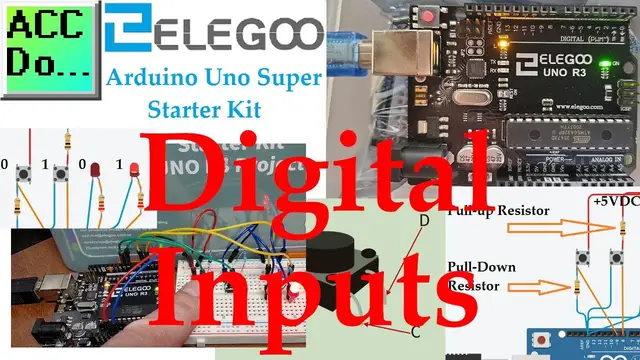

Arduino Uno Super Starter Kit Digital Inputs
Oct 12, 2022

We will now be looking at using digital inputs (pushbuttons) to turn LEDs on and off. This will be programmed using our Arduino Uno R3 from our Super Starter Kit. Pushbuttons will allow actions to be performed that our Arduino program sketch will interpret and take action.
We will be wiring two pushbutton switches. A pull-down resistor will be wired to the first switch and a pull-up resistor will be wired to the second switch. This will change the state of the input (High (1) or Low (0)) based on the wiring. Two LEDs will be wired to the outputs of the Arduino Uno. This will show the state of the switches and allow the switch inputs to modify the state of the LED. We will look at a couple of different programs.
Eliminating switch bouncing will also be discussed and programmed using our Arduino Uno super starter kit. Let’s get started.
This kit is available from Amazon.
Here are some affiliate links:
Amazon.com - https://amzn.to/2EAxUK9
Amazon.ca - https://amzn.to/2S2veYE
00:00 Arduino Uno Switch Inputs
00:27 Uno Pushbutton Inputs
01:19 Switches (Pushbuttons)
02:00 Wiring Pushbutton Inputs - Pull-up / Pull-down Resistors
02:25 Arduino Hardware
03:55 Arduino Digital Input Pushbutton Program
06:33 Arduino Digital Input Switch Program
09:01 Arduino Digital Input Toggle Program
09:38 Arduino Debounce Input - Positive and Negative State Inputs
10:50 Uno Debounce Program Explained and Running
Show More Show Less #Electronics & Electrical
#Programming
#Radio Control & Modeling
#Robotics