
Arduino Uno Super Starter Kit Analog Inputs
Oct 12, 2022

We will now be looking at how to use analog inputs to our Arduino UNO controller. An analog input converts a voltage level into a digital value that can be used in our Arduino program or sketch. This external input signal can represent many different items. Speed, levels, distance, brightness, density, humidity, etc. are a few items that this analog input can represent.
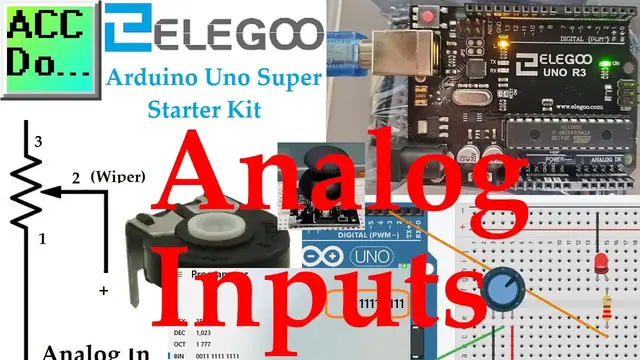
We will be wiring a 10K potentiometer to the first analog input of the controller. The Arduino Uno R3 from our Super Starter Kit will be used. As the analog values changes via our potentiometer, we will use PWM to change the brightness of an LED. We will look at how this conversion from analog voltage to digital is done. Values will be displayed on the built-in serial monitor of our Arduino IDE software. Let’s get started.
This kit is available from Amazon.
Here are some affiliate links:
Amazon.com - https://amzn.to/2EAxUK9
Amazon.ca - https://amzn.to/2S2veYE
A full list of posts in this series can be obtained at the following location:
Arduino Uno Software Super Starter Kit
https://accautomation.ca/arduino-uno-super-starter-kit-analog-inputs/
00:00 Arduino UNO Analog Inputs
01:05 10K Potentiometer
02:45 Arduino UNO Analog Resolution
04:39 Analog Joystick
05:59 Wiring Analog Input
06:50 Analog Hardware
08:32 Arduino UNO analog program
13:30 Testing Analog Program
Show More Show Less #Electronics & Electrical
#Programming