0:01
Uh hello guys, in this video I'll show
0:02
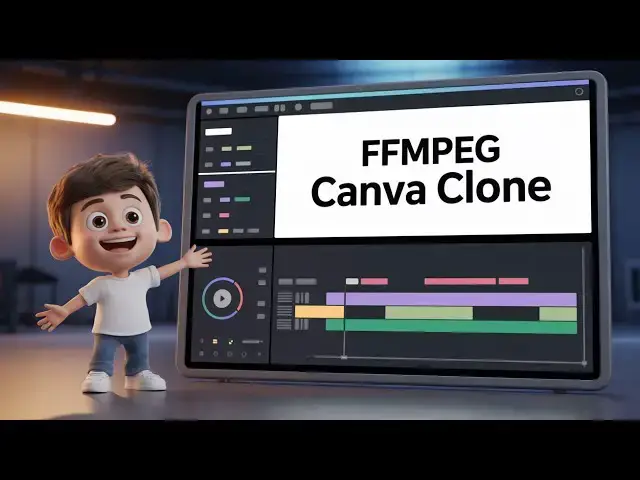
you uh I basically built a nextjs
0:06
project where you can actually edit your
0:08
videos directly in the browser. This is
0:10
the actual interface of the application.
0:12
I have given the link you can directly
0:14
purchase the full source code and after
0:17
purchasing it you will get this full
0:18
directory structure. Uh all the files
0:21
are coded inside typescript here. As you
0:24
can see every component
0:26
and if I show you the package.json JSON
0:29
file we using NexJS we are also using
0:32
ffmppg web assembly library for building
0:34
out this full project if I show you the
0:37
demo here so this entirely runs in the
0:39
browser it's a single page application
0:41
no back end is there now here you simply
0:44
select your video file whichever video
0:46
file you are editing simply select that
0:49
after that the video will load and you
0:53
will be able to cut and compress your
0:55
video this is the hello guys welcome
0:58
using this nice little timeline
1:00
structure here. You can actually control
1:02
which part of the video you want to cut.
1:04
So you can see as we are moving it in
1:07
the timeline, it also shows you the
1:09
starting duration, ending duration and
1:11
the total duration of the video. Now
1:13
let's suppose I want to delete this
1:15
portion. I can simply
1:19
cut and you can even convert this into a
1:22
GIF file. Here you can control the
1:27
And you can even remove the audio as
1:29
well by selecting no audio. And click on
1:31
start. And this will show you a nice
1:33
little progress bar. And after it
1:35
completes, it reaches up to 100% your
1:37
video will be created. And you will be
1:40
able to download the video. So FMPG is
1:44
doing its magic right here. It's doing
1:46
the processing in the browser itself.
1:52
once it reaches 100%. So the link is
1:55
given. You can directly purchase the
1:57
full source code. After purchasing it,
1:59
you will be able to modify the source
2:01
code or add additional features once you
2:03
get the source code. So we are simply
2:06
running it locally by executing npm
2:08
rundev. So this has started a local
2:10
development server. It's also very easy
2:12
to deploy the application as well. And
2:15
for building this we are actually using
2:20
web assembly library which is a very
2:22
popular library to actually allow ffmpg
2:26
to be directly executed in the browser.
2:29
So we are using this inside our nextjs
2:33
So with this nice little progress bar as
2:36
well. So if you are interested in
2:38
purchasing it the link I have given in
2:40
the description. Now I will show the
2:41
image. So once it completes it will show
2:43
you the output video which has been.
2:47
Now you can click the save video button
2:49
to save the video. Apart from that you
2:51
can even do screen recording as well.
2:54
There is also a second option to record
2:57
your screen. Here you can select
3:01
it will also do your screen recording
3:04
with audio as well. So after you finish
3:10
encode your video directly in the
3:12
browser as you can see that
3:14
so everything the timeline is there.
3:19
So again you click start and it will
3:21
download your videos. So this is a fully
3:24
fledged video timeline editor using FPG
3:27
web assembly library in next year. So
3:30
the link is given you can directly
3:32
purchase the source code.