0:00
Uh hello guys, in this video I'll show
0:02
you I built out Inexj's uh Canva powered
0:05
AI powered uh image background removal
0:08
tool. It's uh we are running it on
0:12
localhost 3000. Let me show you the
0:14
quick little demo. So first of all, when
0:16
you come to this application, you select
0:19
whatever image file that you want to
0:21
remove the background. As you select the
0:22
image file, all the processing will take
0:24
place directly in the browser. it we
0:27
using the libraries here. As you can
0:30
see, it has successfully analyzed the
0:32
image pixel by pixel and it has removed
0:34
the background and you are seeing the
0:36
result. Once you click the download
0:38
result, it will uh download the output
0:41
image file. So it's entirely full stack
0:45
SASbased tool software as a service
0:47
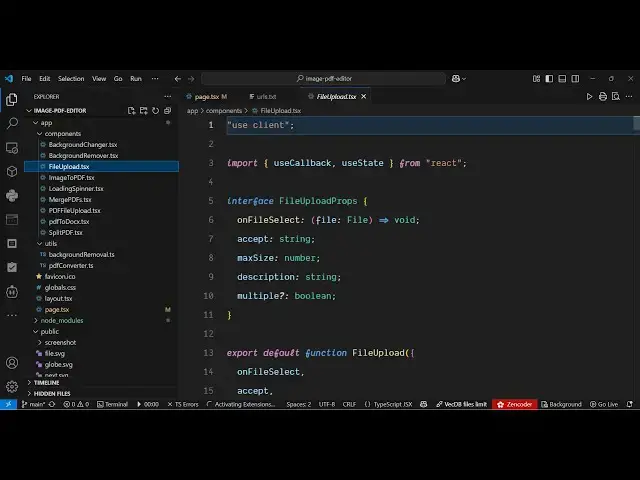
tool. I built it from scratch. So every
0:50
file is every component is divided into
0:53
its appropriate TypeScript file here. So
0:57
the link is given you can directly
0:58
purchase the source code. After
1:00
purchasing it, you will be able to
1:02
download the source code automatically
1:03
from Google Drive. And for removing the
1:06
background, we are using free libraries
1:09
which are TensorFlow which is a Python
1:12
based uh image segmentation library,
1:14
body pics and media pipe. So we are
1:17
using these libraries for
1:20
uh removing the background. It's AI
1:25
and same goes with we have also the
1:27
second tool as well change background
1:29
which does the same thing but it also
1:32
allows you to select a static solid
1:35
color using the color picker and then
1:38
automatically it will apply that color
1:40
to that image. So first of all it uh
1:42
change it removes the background from
1:44
the image and then it applies the static
1:47
color. So here you can select a static
1:49
color. For example, I select this color
1:53
and then so many a times you need to
1:56
change the background of the image. So
1:59
this also does this thing for you. It
2:02
will save you a lot of time because you
2:04
don't require any special uh image
2:06
editor for doing these task rather than
2:09
you can use this nextjs application for
2:14
image related task for removing the
2:16
background or changing the background.
2:18
Apart from that we also have three more
2:20
tools which is PDF editor as well. So
2:22
which allows you to convert your images
2:25
into PDF as well. So this basically I
2:33
So again you select a bunch of images
2:36
then those images will be converted into
2:38
PDF. So you can just see the result.
2:40
It's really fast. So it's a SASbased
2:43
tools software as a service. So once you
2:45
purchase it, you will be able to modify
2:47
the source code or add additional
2:49
features as well. So this is again
2:51
another tool which allows you to merge
2:55
multiple PDF files. So here I can select
2:59
multiple PDF files here. So once you
3:01
select this, you can change the order as
3:04
well. You can basically click on merge
3:07
PDF and both the PDF file will be
3:20
So here you can even change the order as
3:22
well. So once you click
3:26
so I think uh my internet is working. I
3:30
think there is some kind of
3:36
so sometime you just need to refresh it.
3:46
I think my file system is not working
3:48
that far. So but uh the split PDF is
3:52
again a similar thing. You basically if
3:54
you have a long PDF file you can select
3:59
it will analyze it. And here you can
4:01
split your long PDF file here. And here
4:03
you can add ranges as well. So
4:07
from 1 to 5 and then from 5 to 10
4:12
and then you click split PDF and it will
4:15
divide the PDF into multiple files. So
4:17
as you can see that so it is actually a
4:19
full stack nextJS project having all the
4:23
functionalities for removing background
4:24
from and also the PDF editor as well. So
4:29
if you're interested guys uh the link is
4:31
given in the description you can
4:32
directly purchase the source