Up next in 10

Build a Instagram & X (Twitter) Profile Downloader to Download Posts,Images,Videos in Browser
Mar 3, 2026

Buy the full source code of application here:
https://procodestore.com/index.php/product/download-any-instagram-twitter-profile-posts-in-bulk-node-js-express-javascript-project/
Show More Show Less View Video Transcript
0:00
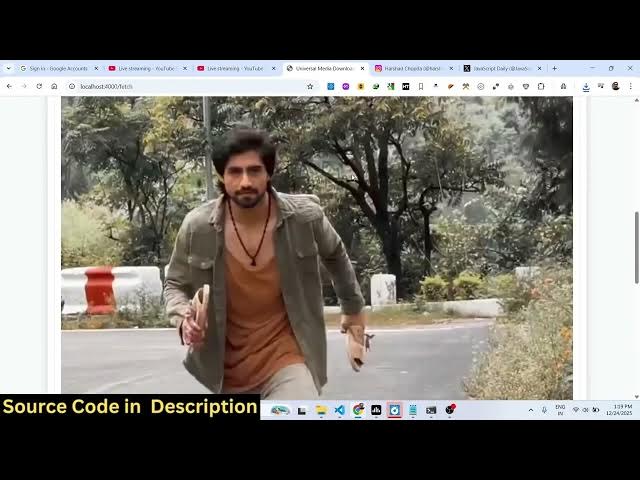
In this video, I'll show you I built out
0:02
a Instagram, Twitter, profile X
0:05
downloader kind of an application in
0:06
NodeJS and Express. It's a single page
0:09
application. It directly executes in the
0:11
browser. So we are running it
0:13
application on local host. The interface
0:15
looks quite simple. We have input field
0:17
where you plug the URL or whatever thing
0:20
that you want to download. This will be
0:22
the directory structure. If you need
0:24
this source code, I've given the link.
0:25
You can directly purchase it. It's fully
0:28
customizable. You can actually customize
0:30
each line of code here. And as you can
0:32
see, we are using express and uh we are
0:35
actually running this project locally
0:38
here. It's very simple. So once you run
0:41
this project, you basically need a URL.
0:44
Simply go to Instagram, paste the URL of
0:46
the image that you want to download and
0:48
instantly it downloads. You will see it
0:51
will fetch the profile post, videos,
0:53
images, then you click the download
0:56
button. Everything will be downloaded
0:58
here. right here. Same thing for videos
1:00
as well. So you copy link address and
1:03
paste it and then it will download the
1:06
Instagram video right here. The video
1:08
can play right here. You can simply
1:10
inside the player you will just see
1:12
here. And you also have the download
1:15
button to download this video. And same
1:19
thing with X and Twitter as well. You go
1:22
to any profile picture. Simply
1:25
copy
1:28
copy the URL and simply paste it and
1:32
instantly this will actually fetch this
1:35
video and you can download this inside
1:38
your own machine as a MP4 file here. So
1:41
it will save you a lot of time guys.
1:43
It's fully customizable.
1:45
So once you purchase it the all the
1:47
source code will be downloaded from
1:49
Google Drive automatically. All the
1:51
files are customizable.
1:53
You can even add more features on this
1:55
project
1:57
and you can do this unlimited number of
1:59
time. There is no limitation to it. We
2:01
are not using any sort of paid API. We
2:04
are using the free method I have used to
2:07
actually communicate with the API in the
2:10
background. We are scraping the content
2:12
here to actually so this method works
2:15
all the time. So you can just see here.
2:21
So you can basically purchase the
2:22
script. The link is given in the
2:24
description. So
2:27
every video is supported. You simply
2:29
need the link address. It can be a real,
2:32
it can be a video, anything.
2:34
And now you can just see right here. So
2:37
it plug the video. You can see the video
2:40
in the video player. So if you're
2:42
interested in this, it's a fullyfledged
2:43
fullstack NodeJS Express project. You
2:46
can purchase it.