Up next in 10


Buy the full source code of application here:
Show More Show Less View Video Transcript
0:00
uh hello guys uh welcome to this video
0:03
so in this video I will show you uh how
0:05
to resize crop and rotate images inside
0:08
the terminal using an open-source
0:11
library called as image magic image
0:13
magic you can directly install it
0:15
download it it's open source and you can
0:17
use it terminal in terminal so this is
0:20
their official website i've already
0:22
downloaded that it offers the CLI tool
0:25
which is available for Linux Mac and
0:28
Abuntu system so just go to the I have
0:32
this 1 JPG file right here so what I
0:35
will do is that I will need to resize
0:38
this image so it's very easy to do this
0:40
so you can simply type here magic and
0:43
then the file name which is 1
0:46
jpg and then you basically tell we need
0:49
to resize it or crop it so we actually
0:52
pass this flag here dash resize and here
0:55
you specify the dimensions so let's
0:57
suppose I want to resize this image to
0:59
500 width and 500 height so I specify
1:03
the dimensions and then the output file
1:06
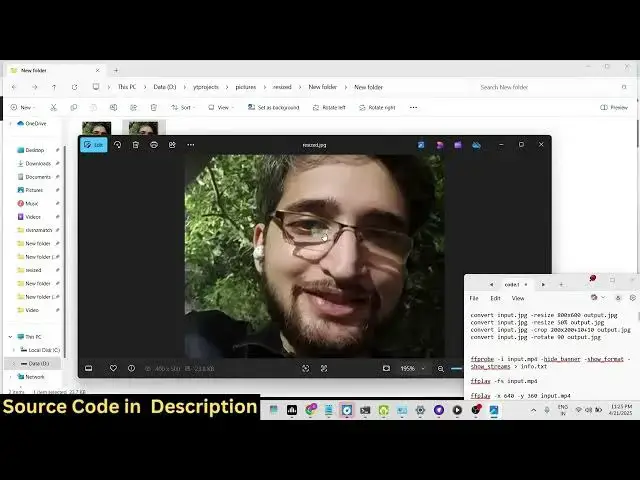
name so resized jpg so as soon as I do
1:09
this you will see a file is created and
1:13
uh now if I go to the properties here
1:16
and go to the details you will see the
1:20
width and the
1:22
height so it it is successfully
1:26
resized to it actually also maintains
1:29
the aspect ratio here you will see that
1:31
and you will see also the size
1:33
difference so original image was 108
1:36
kilob but it has been compressed here
1:40
resized 23.7 kilob and then it also
1:45
provides you with the command you can
1:46
even do this by percentage as well dot
1:49
resize so if you want to resize it 50%
1:53
you can specify
1:55
this so now what happens it actually
1:57
takes this input image resize it to the
2:00
50%
2:02
you can even provide the percentage here
2:05
so now it will do the percentage and it
2:07
will resize this image percentage wise
2:10
as well so you can see
2:12
that so if I do here let's suppose uh 10
2:17
uh
2:19
10%
2:22
so now you can see it has resized it to
2:26
the 10% so it's very easy to do this
2:28
guys and uh then we can even crop images
2:30
as well so for cropping images we
2:33
actually have this flag in image magic
2:36
dashcrop so it will actually crop or cut
2:39
a specific portion from the image so I
2:41
can specify tag dimensions 200 by 300
2:45
plus the width and the height so 10 + 10
2:50
so this is actually the dimensions and
2:52
then we simply say crop dot jpg so now
2:56
what happens it actually crops a certain
2:58
portion of the image and save this image
3:01
you will see
3:02
that in this easy way you can even crop
3:05
images and then lastly we can even
3:07
rotate images so there is a flag here
3:09
you can pass here dash rotate this is
3:12
for rotation of images here you specify
3:15
the angle and then the output file
3:19
name so now if you see the image has
3:22
been successfully rotated so you can see
3:25
that guys it's a very useful library
3:27
image magic you can install this inside
3:30
your system and from the terminal itself
3:33
you can do the image editing operation
3:35
such as cut sorry the resize operation
3:38
or crop operation or rotate operation
3:41
very easily using the terminal and thank
3:44
you very much for watching this video
3:46
and also check out my website
3:49
freemediatools.com which contains
3:51
thousands of tools