Up next in 10


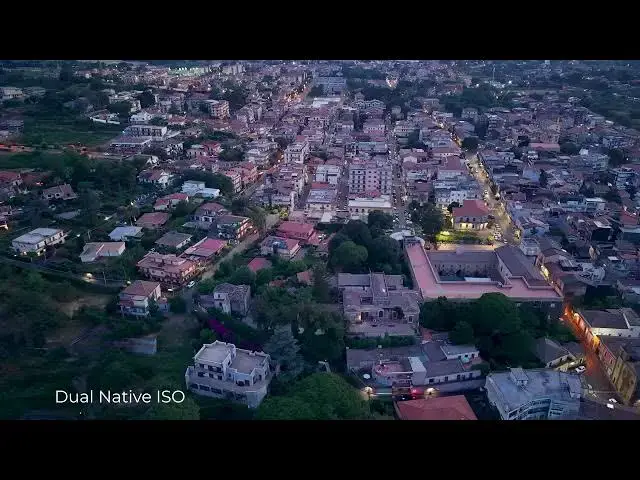
Mini 5 Pro Night Footage - Dual Native ISO
Show More Show Less View Video Transcript
0:00
When using auto semi-auto exposure,
0:03
according to DJI, the Mini 5 Pro records
0:05
footage at two different exposure values
0:08
and blend them to achieve up to 14 stops
0:11
of dynamic range, which is especially
0:14
useful in a dynamic range and low light
0:16
situations.
0:18
It works similar to HDR photos with
0:21
highlights taken from the lowest
0:23
exposure and shadows from the highest.
0:27
Beginners can simply set the exposure to
0:29
auto to benefit from this feature.
0:31
However, there is a better method that
0:34
allow us to control the shutter speed
0:35
value.
0:37
We can select manual exposure and then
0:40
in the exposure window, tap on the ISO
0:43
icon. We can now specify the desired SS
0:46
value while the program will compute the
0:49
optimag ISO.
0:53
This method is very simple to use and
0:56
delivers excellent results, maintaining
0:58
plenty of detail in the shadows.
1:18
The only downside is that some annoying
1:21
shift in brightness may appear when the
1:23
light intensity varies. For this reason,
1:26
it is suggested to maintain the same
1:28
flight direction during each move and
1:31
avoid wide tilts of the gimbal.
People & Society