Up next in 10


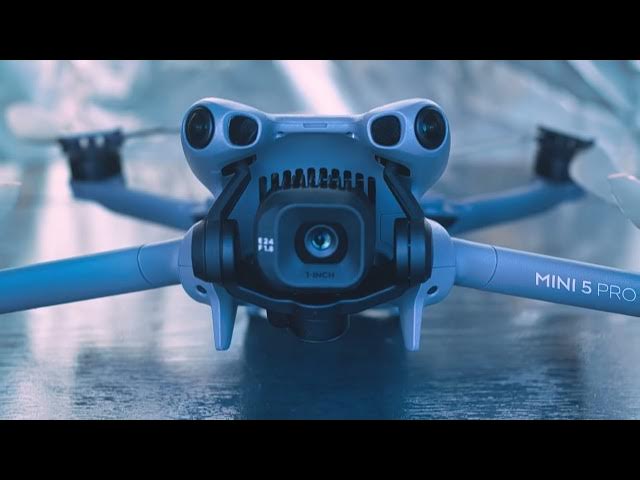
DJI Mini 5 Pro - Gimbal Calibration
Show More Show Less View Video Transcript
0:01
Unlike the IMU and the Compass, gimbal
0:03
calibration doesn't affect flight
0:05
behavior, but control the camera's
0:07
alignment. Anytime it is switched on,
0:10
the Mini Pro performs a basic gimbal
0:13
calibration.
0:16
In most cases, we perform a gimbal
0:18
calibration when the horizon is uneven,
0:20
often after a crash or a hard landing.
0:26
In settings, we go to the control tab
0:29
and scroll down until we find gimbal
0:31
calibration.
0:33
There is a choice between auto and
0:35
manual.
0:37
For autoc calibration, the drone must be
0:39
placed on a level surface as we do for
0:42
the IMU, but this time with open wings.
0:48
Calibration starts immediately after
0:51
hitting the auto button. The camera
0:54
moves horizontally and then vertically
0:56
for a few seconds and the trick is done.
1:01
A mono calibration is generally
1:03
performed while flying.
1:06
If we notice that the horizon is uneven,
1:08
we hit the button below auto and we are
1:11
presented with two values that we can
1:13
modify.
1:14
The first one is the camera rotation.
1:17
The other one is the horizontal
1:19
alignment.
People & Society