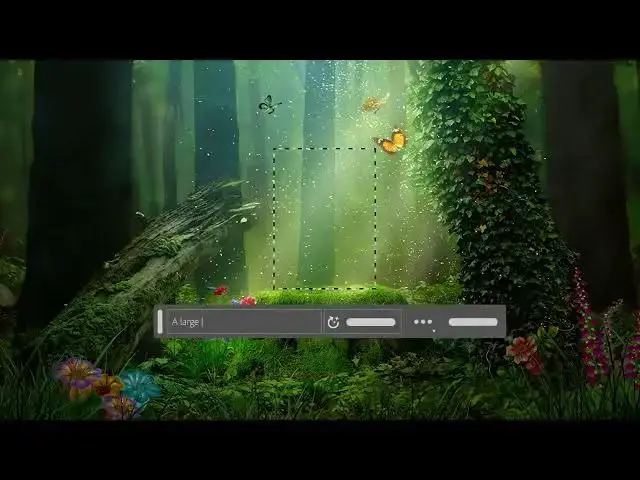

How to use Generative Fill in your image
Aug 31, 2024

Welcome to the Easy Tech Tutorials ( www.easy-tutorials.com)
Note:
Before you proceed, ensure you're connected to the internet, as Generation Fill requires cloud processing.
With Generative Fill, you can:
Generate objects: Select an area in your image, then describe what you’d like to add/replace through a text prompt.
Generate backgrounds: Select the background behind your subject, then generate a new scene from a text prompt.
Extend images: Extend the canvas of your image, then make a selection of the empty region. Generating without a prompt will create a harmonious extension of your scene. Generating with a prompt will add content to your image while extending the rest of your scene.
Remove objects: Select the object you want to remove, then generate without a prompt to let the Generative AI technology make it disappear.
And more… Generative Fill is incredibly versatile. Experiment with off-the-wall ideas, ideate around different concepts, and produce dozens of variations in a snap.
Show More Show Less