menu
All
Channel
search
Log in
Join Open.Video
Log out
Up next in
10
CANCEL
PLAY NOW
Please enable JavaScript
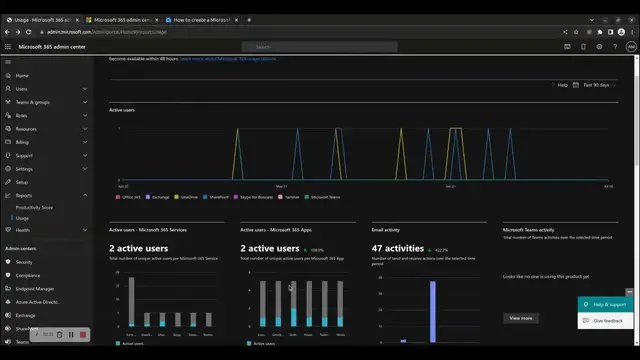
How to create usage reports in Microsoft 365 admin center portal
Jan 6, 2023
Share
0
0
Share
0
0
stefanos.cloud
Subscribe
In this how-to video, we will show you how to view Microsoft 365 usage reports in the admin center portal. To access the Microsoft 365 admin center portal, browse to
https://admin.microsoft.com
and login with your global administrator credentials. To create a Microsoft 365 health assessment report, consult the following KB article:
https://stefanos.cloud/kb/how-to-create-a-microsoft-365-health-assessment-report/
.
Show More
Show Less
#Software
#Web Stats & Analytics
#Technical Reference
×
2026-04-21 00:03:23