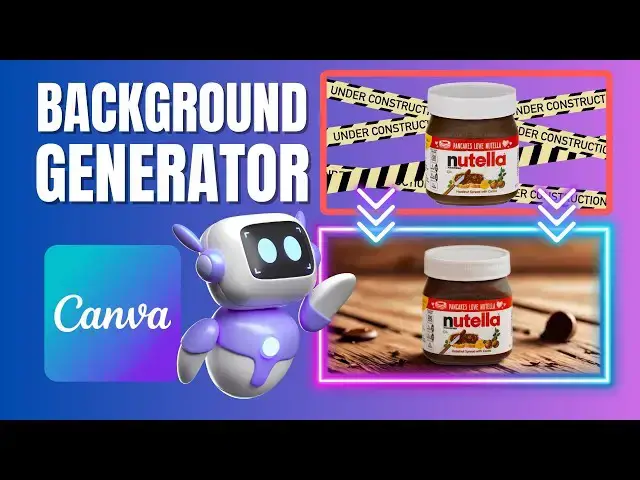

How to Instantly Change Image Backgrounds with Canva’s Background Generator
Mar 28, 2025

In this quick and easy tutorial, learn how to use Canva’s Background Generator, the latest AI-powered tool that allows you to instantly replace and enhance image backgrounds with just a few clicks! Whether you're creating professional eCommerce product photos or giving your travel pictures a stunning makeover, this tool makes it effortless.
📌 What You’ll Learn:
✅ How to use Canva’s Background Generator to transform images
✅ The best AI prompts for generating professional and eye-catching backgrounds
✅ How to create perfect product shots for eCommerce
✅ How to place travelers in dream destinations using AI
✅ The best settings to fine-tune your background edits
With Canva’s AI tool, you can say goodbye to boring, unprofessional backgrounds and create stunning, high-quality visuals in seconds! The only limitation? The prompt length must be under 200 characters—but we’ve got you covered with the perfect prompts to use.
#canva #backgroundgenerator #canvaai #canvatutorial #backgroundchange #canvadesign #graphicdesign #canvatips #photoediting #aiediting #aieditingtools
🔔 Subscribe for more quick & practical Canva tips on Skills Forge Pro !
💬 Drop a comment if you have any questions or want more design tutorials!
Show More Show Less #Design
#Photographic & Digital Arts
#Education
#Skins, Themes & Wallpapers