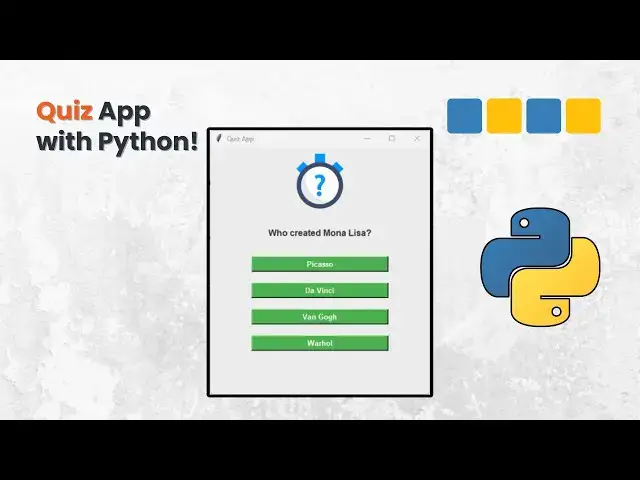

How to Build a Quiz App in Python Using Tkinter and Pandas #python
Nov 23, 2025

Build a Quiz App using Python + Tkinter + Excel!
In today’s tutorial, I’ll guide you step-by-step through creating a simple but powerful quiz application using Python. This project is perfect for beginners who want to level up their skills by building something real, interactive, and fun.
You’ll learn how to:
- Create a full GUI application using Tkinter
- Load questions dynamically from an Excel (.xlsx) file
- Display multiple-choice options
- Track the user score
- Show a final result screen
- Reset and play again
- Use Python + Excel together in a practical project
- Organize your code with functions and clean structure
This project is ideal for those learning Python basics, practicing logical thinking, or creating small portfolio projects.
🎯 Goal: By the end of this video, you’ll understand how Tkinter works, how to connect Python to Excel using Pandas, and how to build your own version of the quiz—improving it with your own questions and features!
👉 Files used in the video (Excel Template, Code, Colors, Icons)
I’ll leave everything in the description so you can download and follow along easily.
Show More Show Less