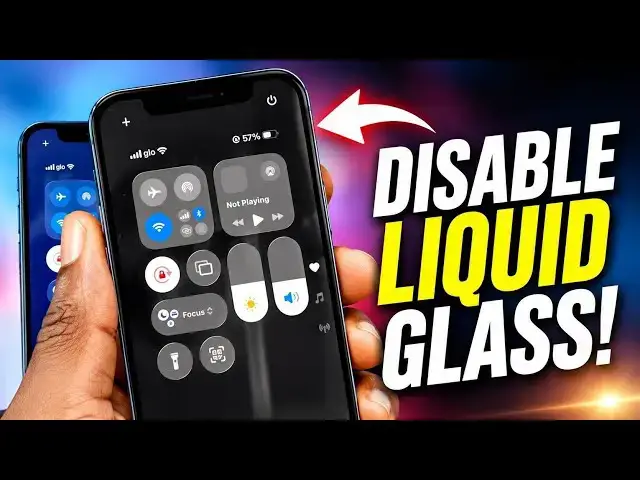

How to Turn Off Liquid Glass in iOS 26
Apr 20, 2026

Turn Off Liquid Glass in iOS 26: Is the new "Liquid Glass" design making your Apple iPhone hard to use? While the translucent effects and light refraction look futuristic, they have also brought a lot of issues with readability, contrast, and even motion sickness for some users. If your menus look blurry or you find the "lensing" effects distracting, you are not alone.
In this short video, I walk you through exactly how to tone down these visual effects and get your iPhone back to a clean, high-contrast look.
Stop struggling with your screen and make your iPhone usable again. If this guide helped you out, do like it and follow my channel for more helpful tips.
:: Mister Mobility's Essentials
These are the gadgets and accessories I personally recommend and use regularly:
• UGREEN Wireless Charger, Qi2.2 Qi2 Certified 25W Fast MagSafe-Compatible Wireless Charging Pad, 5ft Magnetic Charger for iPhone/Samsung/Google phones: https://amzn.to/4gJUiAx
• 5000 mAh Slim Magsafe Wireless Power Bank with USB-C charging: https://amzn.to/4gEHtrc
• Anker USB-C to USB-C Braided Cable, 60W Fast Charging Cable (1FT, 2Pack): https://amzn.to/4aXbkYa
• Anker 140W 4-Port GaN Phone/Laptop/MacBook Charger, USB-C Charger Block with Display: https://amzn.to/3RhW4ym
• SANDISK 1TB Extreme Portable SSD (New Model): https://amzn.to/4hehE1d
As an Amazon Associate, I may earn from qualifying purchases at no extra cost to you.
#liquidglass
#disableliquidglass
Show More Show Less