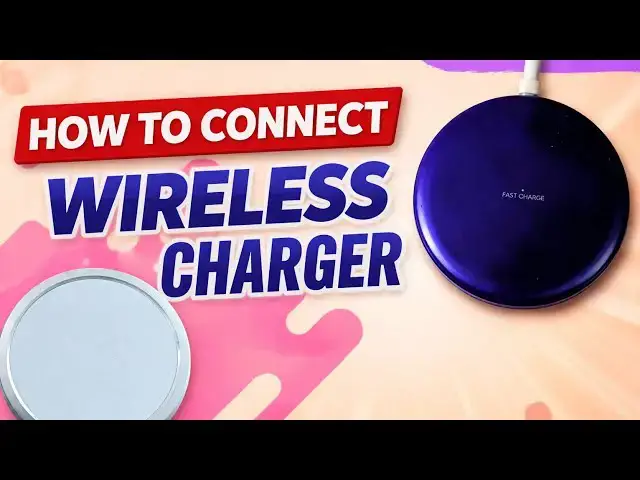

How to Connect a Wireless Charger to Your Phone (Fast & Easy)
Mar 31, 2026

Learn how to connect a wireless charger to your iPhone or Android phone in just a few simple steps. Whether you're setting up a Qi wireless charger for the first time or troubleshooting a wireless charger that isn't working, this video walks you through how to do it.
Wireless charging is built into all modern premium smartphones, including iPhone 8 and later, Samsung Galaxy S and Z series, and Google Pixel devices, and some mid-range Android phones as well. All you need is a Qi-compatible wireless charging pad and a power adapter.
➡️ Subscribe for more smartphone tips, how-to guides, and mobile tech help.
:: Mister Mobility's Essentials
These are the gadgets and accessories I personally recommend and use regularly:
• UGREEN Wireless Charger, Qi2.2 Qi2 Certified 25W Fast MagSafe-Compatible Wireless Charging Pad, 5ft Magnetic Charger for iPhone/Samsung/Google phones: https://amzn.to/4gJUiAx
• 5000 mAh Slim Magsafe Wireless Power Bank with USB-C charging: https://amzn.to/4gEHtrc
• Anker USB-C to USB-C Braided Cable, 60W Fast Charging Cable (1FT, 2Pack): https://amzn.to/4aXbkYa
• Anker 140W 4-Port GaN Phone/Laptop/MacBook Charger, USB-C Charger Block with Display: https://amzn.to/3RhW4ym
• SANDISK 1TB Extreme Portable SSD (New Model): https://amzn.to/4hehE1d
As an Amazon Associate, I may earn from qualifying purchases at no extra cost to you.
#connectwirelesscharger
#wirelesscharger
#wirelesschargers
Show More Show Less