0:00
I finally got tired of Bluetooth
0:03
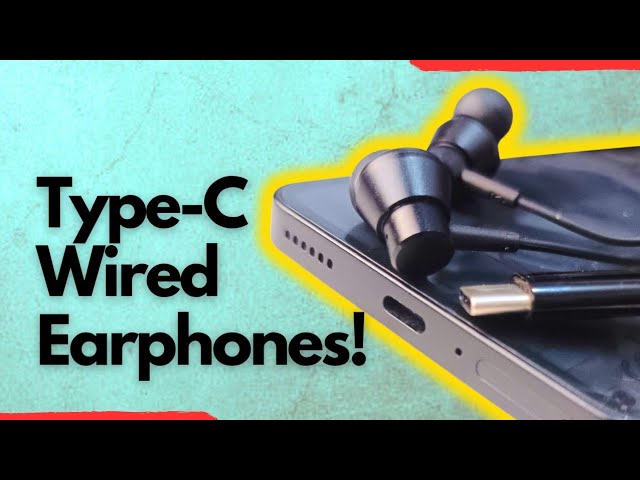
wireless earbuds and I got myself a USBC
0:07
set of earphones. How does this work?
0:20
I have had a lovehate relationship with
0:22
wireless earbuds. In my archives are all
0:26
types of earbuds that I have used and
0:29
that have managed to die on me after 6
0:32
months, 7 months, 8 months of use. And
0:35
it's annoying. They just randomly
0:39
Last week, the set of earbuds that I was
0:42
using finally packed up much earlier. It
0:45
had been the left piece, it stopped
0:47
working. The buds will connect to my
0:49
phone, but the left earpiece wouldn't
0:52
play. And then last week finally the
0:55
right earpiece joined. You would check
0:57
the connection on the phone and see that
0:59
it's connected but no audio was coming
1:02
through. It wasn't the first one. I have
1:08
some of which I have thrown away. I just
1:10
happened to have this ones lying around
1:14
and then I got tired.
1:17
So, I decided that I was done with
1:20
Bluetooth wireless earbuds and I was
1:22
going to pick up USBC earphones. Before
1:25
now, I had used 3.5 mm headphones which
1:28
were quite popular back in the day and
1:31
then switched over to Bluetooth wireless
1:33
earbuds. So, I got myself the Basis Nox
1:38
CZ 111. I wonder why Basis uses this
1:43
very awkward sounding naming scheme. I
1:46
mean, you almost have to bite your
1:47
tongue to pronounce these things. 3.5 mm
1:51
headphones would last [snorts] a year, 2
1:55
years if you didn't subject them to any
1:58
stress or wear and tear. And I expect a
2:01
USBC pair like this to do the same.
2:05
Let's call it an experiment. Maybe I
2:08
jumped too soon, but we'll see, right?
2:11
So, the question is, how do they work?
2:13
Of course, with most phones today having
2:16
a USBC port. That's pretty obvious where
2:19
you plug it. Just plug it right there.
2:24
And then if you look up here, you'll see
2:26
that icon indicating that headphones
2:29
have been plugged in. And that's it.
2:31
Play your music, listen to your
2:34
podcasts, watch your videos without
2:37
disturbing anyone on the bus or on the
2:41
How good are these? They're quite good.
2:43
I'm able to hear a wide range of sounds
2:47
and tones. The bass is not bad. The
2:51
timber quality is good. I hear pretty
2:53
much everything. And that's important,
2:56
especially if you're playing music. You
2:58
need to be able to hear all kinds of
3:00
sounds when using your earphones as a
3:04
sign of a good quality earphone. So, you
3:07
just plug it in and use it. There's
3:09
nothing else to do. It's plug and play.
3:11
It's that simple. If you have one of the
3:14
new iPhones with a USBC port, this is
3:17
not one of them. But all you have to do
3:20
is just plug in and start using it, too.
3:24
No setup, nothing to configure. Lastly,
3:27
can you use this USBC earphones with a
3:31
laptop? Oh, yes, you can. Again, there's
3:34
really nothing to configure. Find the
3:37
USBC port on your laptop and simply plug
3:41
it in. You might get a prompt somewhere
3:45
on your Windows screen saying setting up
3:47
this. If you are plugging it for the
3:48
first time, don't worry yourself about
3:51
it. It's usually an automated thing and
3:53
doesn't last more than a few seconds.
3:55
Start playing your music and then plug
3:58
in your earphones in your ears and
4:01
you're good to go. That's how easy they
4:05
are to use. I will probably be back in 6
4:08
months, one year to tell you whether
4:11
this was a misadventure or not. Thanks
4:15
for watching. Thanks for liking the
4:16
video. Thanks for following my channel.
4:18
I look forward to seeing you when next I