0:07
In our engineering systems, engineering
0:10
servers, we may have uh more than one
0:14
hard disk. That depends on your again
0:16
design and philosophy.
0:19
In my engineering system, I have three
0:23
For checking the status or healthiness
0:28
I will go to HP array configuration
0:35
Now a webpage will open.
0:38
Here, we can see the status. And click
0:42
here and select smart array P410.
0:50
this is my hard disk. Expand here, click
1:06
You can click more information.
1:09
You can see the present status is okay.
1:21
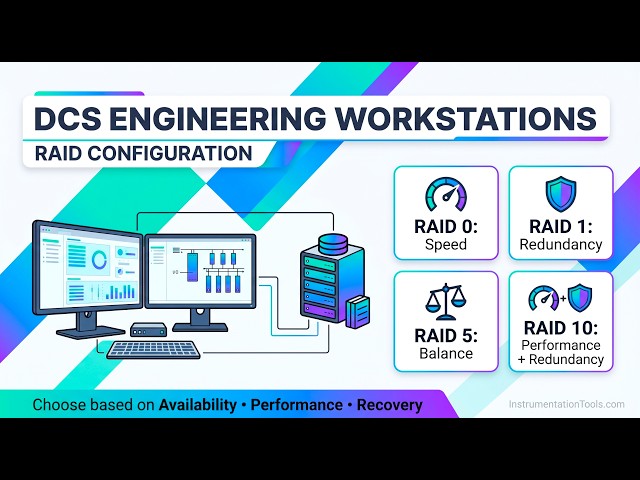
We have RAID 1, RAID 2, RAID 3,
1:24
uh something like that. And we are using
1:27
RAID 5. Mostly, we use RAID 1 or RAID 5.
1:33
And these are other parameters.
1:36
And if you see, I have three hard disks,
1:40
These are the hard disks.
1:42
Bay 1, Bay 2, Bay 3. These are
1:51
the first hard disk and third hard disk,
1:53
there are no warnings here, but in the
1:56
second hard disk, I have this
2:00
warning. You can also see here.
2:03
The first one, that means it is
2:07
The second one means it is some fault is
2:11
it may work now, but it will eventually
2:18
You can also select here. You can go to
2:23
See, this is logical view.
2:25
That means it will show
2:27
it as only one drive.
2:31
That is 931 GB RAID 5. If you go to
2:38
my second hard disk is failed.
2:42
first one, first hard disk and click
2:46
If you see, status is okay.
2:53
Drive type is SATA. Okay? Temperature
2:56
and everything is okay.
2:58
Similarly, select Bay 3,
3:07
Select the hard disk 2
3:10
and click more information.
3:12
You see, there is already some problem
3:14
is there and it is showing as failure,
3:17
but predictive failure.
3:19
Okay? Almost it is failed. We have to
3:22
replace the hard disk.
3:26
we are having RAID 5. If one hard disk
3:29
fail also, nothing happens to the
3:35
Online, we can replace the hard disk
3:39
without shutting down the system. That
3:45
model, type. Okay? System model and
3:50
Some systems may need shut down and this
3:59
for replacing or troubleshooting a
4:09
This is enclosure view, internal drive,
4:19
See, this is the stat- code also 341.
4:24
Fail soon. My one hard drive is going to
4:27
fail soon. Actually, it is already
4:29
failed, but some status it is coming,
4:31
that is why still it is showing some
4:38
parameters here. For example, rebuild
4:42
If your hard disk fails and you want to
4:47
replace with new hard disk,
4:51
or what is the priority for rebuilding?
4:54
When you replace your hard drive,
4:57
the system automatically
4:59
rebuilds. Okay? And that means
5:02
creates the required database in the new
5:09
That is what we call rebuild priority.
5:12
We can put it as medium.
5:15
That depends on your system specs. Okay?
5:24
And these are other parameters.
5:28
Mostly, there is no need to change these
5:33
All our default parameters will work
5:43
In this way, we can see the status of
5:45
the hard disk in servers.