0:00
How to send money in Binance with email or username
0:03
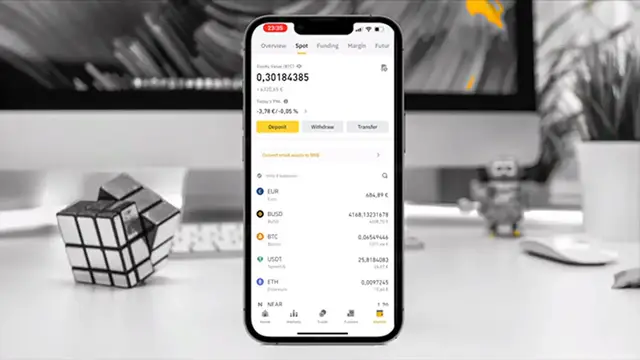
Okay guys so here we are on Binance app, you have to open Binance, go here on wallets
0:07
and when you are on wallets you go here for example to send money like PUSD
0:14
and now you have we have to press withdraw. Okay here we have two options send via crypto
0:19
network or send via email phone id. In this case we have to press via email or phone id
0:25
So here it will load and now we have to put here we have different options we have email
0:31
phone numbers or Binance id pay id. If you have the phone number of the of your of the person or
0:37
the Binance id you have to press here and put phone number in this case I will use email. So
0:43
here we put email here we have to paste the email or just write it I copied so I paste it and then
0:49
now we have to send the money in this case I will send $90. So when we use this method we don't have
0:56
fees because we are like just paying directly to another Binance person so Binance in this case
1:01
will not earn any money and we will not have to pay anything as you see I just sent $20 and the
1:07
other guy will receive $20 as well. So here we can put a note like for example Binance payment
1:14
and then we can we can go to send okay here it says it is all correct yeah great perfect
1:21
so we will put next and here we have to accept the verification so press send code and send code
1:28
and we have to wait until the codes are sending. Okay here we put submit it will load for like
1:36
five seconds just be careful with the email that is the correct one so in this case we have sent
1:40
the money successfully. So yeah basically that's it it's very easy to send money on Binance
1:45
now we can send like a screenshot to the guy sending oh we have sent you the money
1:50
and yeah that's all so thanks for watching and subscribe