
YQArch XF: Erase Wall Inside Door Opening in AutoCAD (Fast)
Sep 8, 2026

Still trimming the wall that pokes into your door opening by hand?
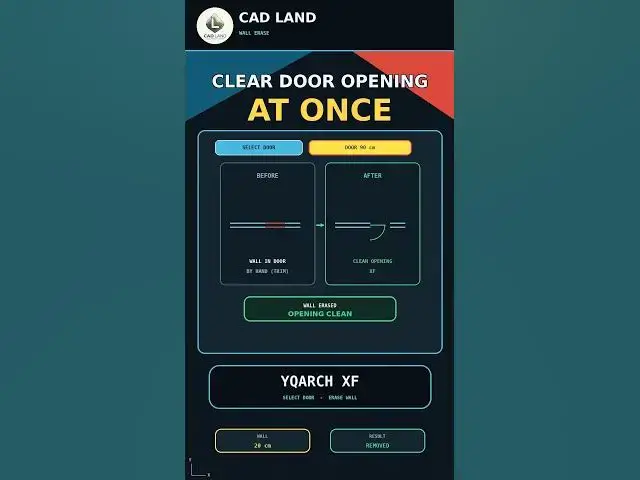
The YQArch XF command erases the wall segment that enters a door or window opening in one click — no manual TRIM, no picking cutting edges. In this video we clean a 90 cm door in a 20 cm wall.
In this video, you'll learn:
• How to draw a wall (20 cm) with a door opening (90 cm)
• How to remove the intruding wall manually with TRIM, one edge at a time
• How to use YQArch XF to erase the wall inside the door at once
• How the opening stays clean and connected
Manual workflow:
Select Cutting Edges → TRIM → Repeat for every opening
Faster workflow:
YQArch XF → Select Door → Wall Erased
This video uses AutoCAD 2021 with centimeters as the drawing unit.
YQArch is a plugin, not a native AutoCAD command. The interface and available options may vary depending on your installed version, language, selected style, and unit configuration. Always verify the final opening before saving your project.
If this saved you time, subscribe for a new command every day.
LINKS
🛠️ The YQArch plugin (free) and the full CAD command PDF are both available to download on our site: https://cadland.pages.dev
Full tutorials: @CADlandSS
TikTok: @cad.land
Instagram: @cadland_tutorial
#YQArch #AutoCAD #yqarchxf #erasewallautocad #cleardooropening #CADTutorials #Architecture #Drafting #CADLand
Show More Show Less