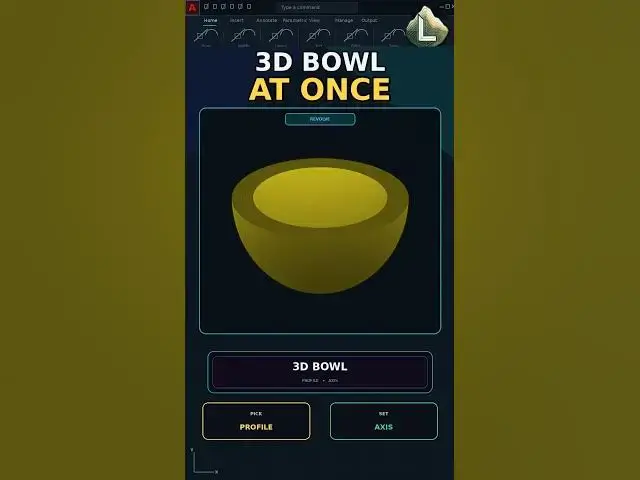

Make a 3D Bowl in AutoCAD with REVOLVE #architecture #autocadblocks #cadland
Sep 30, 2026

Need a 3D bowl in AutoCAD from a 2D profile?
REVOLVE spins the profile around an axis and the bowl is one solid. In this video we draw a half-section, then REVOLVE it 360 degrees.
Learn: draw the profile, REVOLVE, pick the axis, 360.
Steps: profile, REVOLVE, axis, 360
This video uses AutoCAD 2021 with centimeters as the drawing unit.
If this saved you time, subscribe for a new command every day.
LINKS
The YQArch plugin (free) and the full CAD command PDF are both available to download on our site: https://cadland.pages.dev
Full tutorials: @CADlandSS
TikTok: @cad.land
Instagram: @cadland_tutorial
#YQArch #AutoCAD #CADTutorials #Architecture #Drafting #CADLand
Show More Show Less