
Use Dynamic Input in AutoCAD with F12
Oct 2, 2026

Still looking down at the command line just to type a length in AutoCAD?
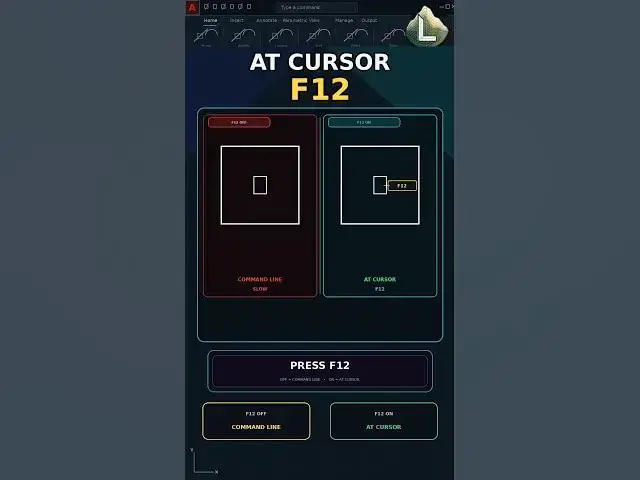
F12 turns Dynamic Input on. Length and angle sit at the cursor while you draw. In this video we draw with F12 off first, then press F12 and draw the same square at the cursor.
Learn: F12 off, command line only, F12 on, values at the cursor.
Manual: F12 off, watch the command line
Faster: F12, type at the cursor
This video uses AutoCAD 2021 with centimeters as the drawing unit.
If this saved you time, subscribe for a new command every day.
LINKS
The YQArch plugin (free) and the full CAD command PDF are both available to download on our site: https://cadland.pages.dev
Full tutorials: @CADlandSS
TikTok: @cad.land
Instagram: @cadland_tutorial
#YQArch #AutoCAD #CADTutorials #Architecture #Drafting #CADLand
Show More Show Less