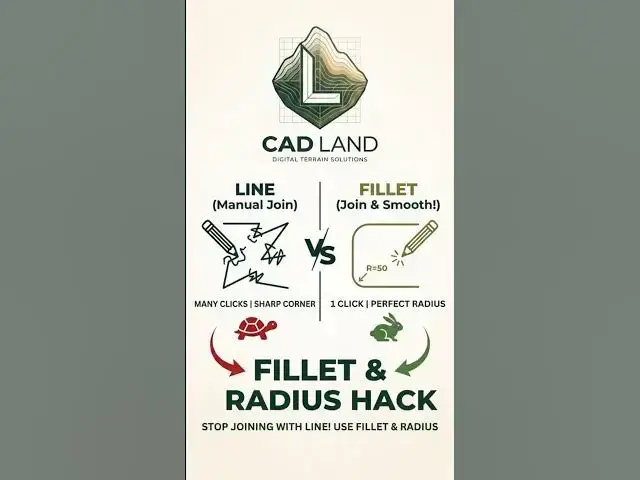

Stop Joining Lines Manually in AutoCAD! (Fillet Hack) ⚡
Jul 15, 2026

Stop wasting time drawing arcs or manual lines to connect corners in AutoCAD. The FILLET (F) command is the ultimate shortcut to join two lines instantly or create perfect rounded corners using the RADIUS option.
Whether you need a sharp 90-degree corner (Radius = 0) or a smooth, rounded edge, this quick tutorial shows you how to master the Fillet and Radius tools in seconds.
👇 Do you use Fillet with Radius 0 to join lines? Comment "YES" or "NO" below!
🔔 Subscribe to CAD Land for daily CAD hacks.
#AutoCAD #CADLand #CADShortcuts #FilletCommand #Radius #Drafting #Engineering #3DModeling
Show More Show Less