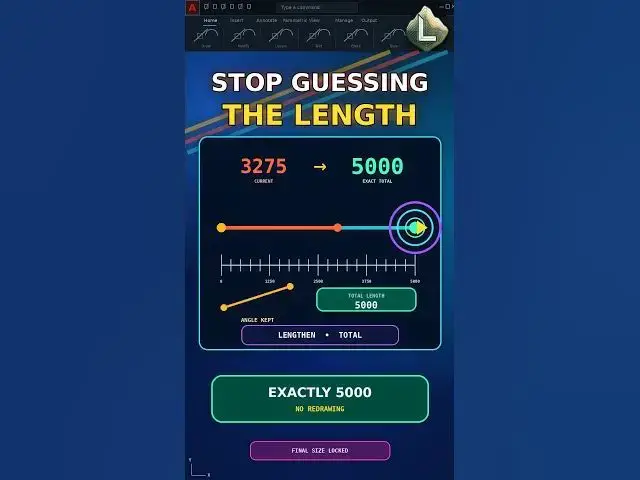

Stop Guessing Line Lengths in AutoCAD
Aug 15, 2026

Still dragging AutoCAD endpoints and hoping the line reaches the exact length?
Stop estimating. The Total option inside LENGTHEN sets the final length directly while keeping the line angle and opposite endpoint unchanged.
Example:
Current Length: 543
Target Length: 800
Command sequence:
LENGTHEN → Total → 800→ Select the Endpoint to Move
The endpoint closest to your selection moves. The opposite endpoint remains fixed.
LENGTHEN works on open objects such as lines, arcs, and open polylines. It does not modify closed objects.
Subscribe to CAD LAND for practical AutoCAD shortcuts that remove unnecessary drafting steps.
#AutoCAD #LENGTHEN #CADTips #AutoCADShortcuts #CADLand
Show More Show Less