
Stop Fixing Every AutoCAD Offset Corner Manually
Aug 12, 2026

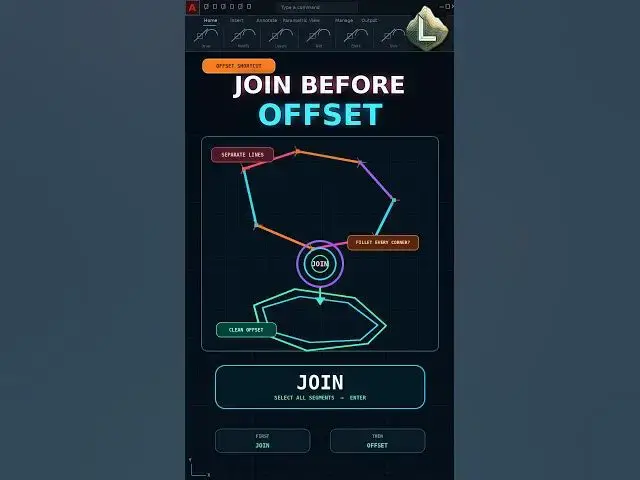
Are you offsetting separate AutoCAD lines and fixing every disconnected corner manually with FILLET?
The problem is the original shape. If the boundary is made from separate line objects, each line is offset independently.
Use JOIN first to convert the touching and coplanar segments into one polyline. Then run OFFSET once to create a clean connected boundary.
Slow method:
OFFSET Each Line → FILLET Every Corner
Fast method:
JOIN All Segments → OFFSET Once
Important:
The original segments must be coplanar and their endpoints must touch.
Subscribe to CAD LAND for practical AutoCAD commands and workflow shortcuts.
#AutoCAD #JOIN #OFFSET #Polyline #CADLand
Show More Show Less