
Stop Extending AutoCAD Lines One by One
Aug 20, 2026

Still clicking every AutoCAD line separately just to extend them to the same boundary?
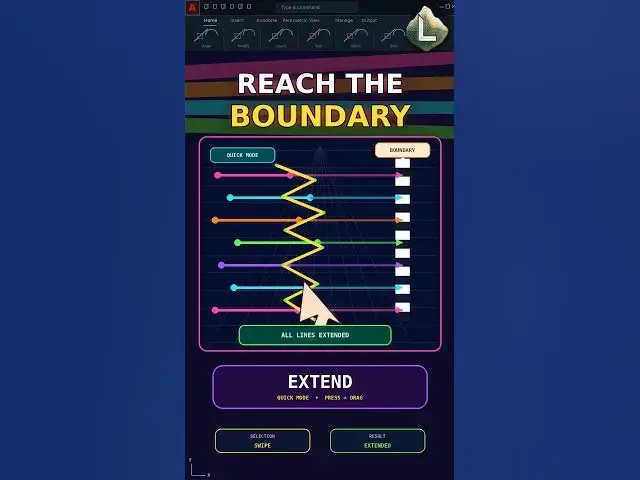
EXTEND has a faster Quick Mode. Press and drag across multiple line endpoints to extend them in one freehand selection instead of selecting every object individually.
Command sequence:
EXTEND → Quick Mode → Press and Drag Across the Endpoints
In Quick Mode, every suitable object automatically acts as a potential boundary.
Important:
Keep the drawing simple when demonstrating this method. If multiple boundaries are available, AutoCAD may extend an object to a different eligible edge.
Use this workflow for grids, structural lines, floor plans, details, and repetitive drafting geometry.
Subscribe to CAD LAND for practical AutoCAD workflows that eliminate repetitive clicks.
#AutoCAD #EXTEND #AutoCADTips #CADShortcuts #CADLand
Show More Show Less