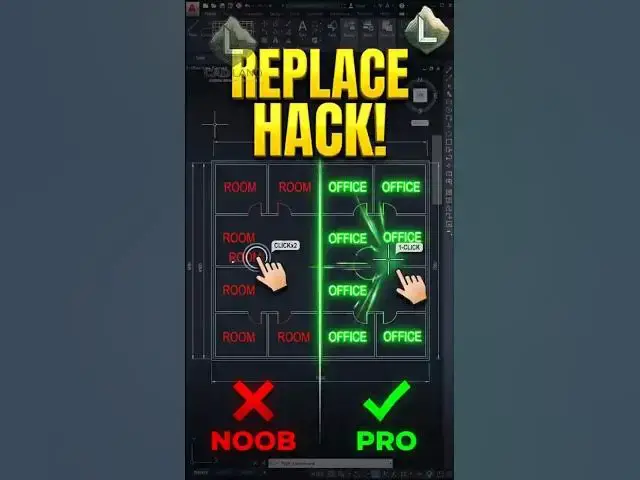

Stop Editing AutoCAD Texts One-by-One! 🛑✍️
Jul 31, 2026

Are you still panning around your drawing, double-clicking, and manually re-typing dozens of identical text labels or room names in AutoCAD? Stop wasting your clicks on boring data entry.
The FIND command is an absolute game-changer for bulk-editing text. By simply running "FIND", entering your old text, entering your new text, and clicking 'Replace All', AutoCAD instantly updates every matching word across your entire project in less than a second.
Work smart, draft fast.
👇 Did this text hack save your sanity today? Comment below!
🔔 Subscribe to CAD Land for daily professional AutoCAD hacks.
#AutoCAD #CADLand #CADShortcuts #FindAndReplace #TextEditing #Drafting #Engineering #Architecture #CADTips #Productivity #Workflow
Show More Show Less