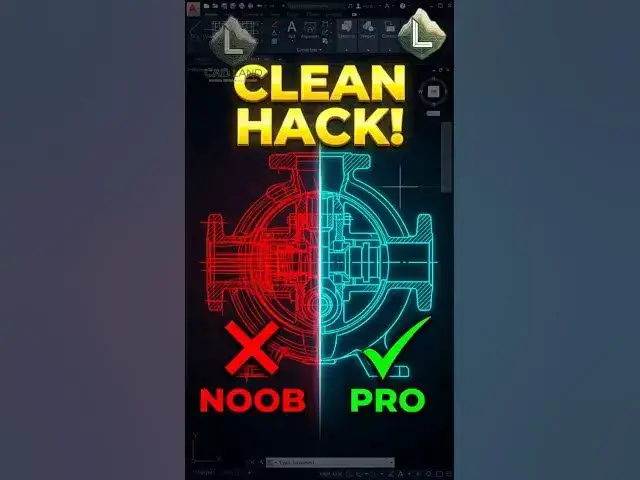

Stop Deleting Overlapping Lines Manually! 🛑🧹
Jul 30, 2026

Are you still manually moving lines to see if there are duplicates hidden underneath them in AutoCAD? Stop wasting your time with messy, bloated drawings that print too thick.
The OVERKILL (OV) command is a legendary cleanup tool. By simply selecting your entire drawing, running OVERKILL, and hitting OK, AutoCAD automatically vaporizes all overlapping lines, duplicates, and redundant vertices instantly.
Work smart, draft fast.
👇 Did you run Overkill on your drawing today? Comment below!
🔔 Subscribe to CAD Land for daily professional AutoCAD hacks.
#AutoCAD #CADLand #CADShortcuts #OverkillCommand #CADCleanup #Drafting #Engineering #Architecture #CADTips #Productivity #Workflow
Show More Show Less