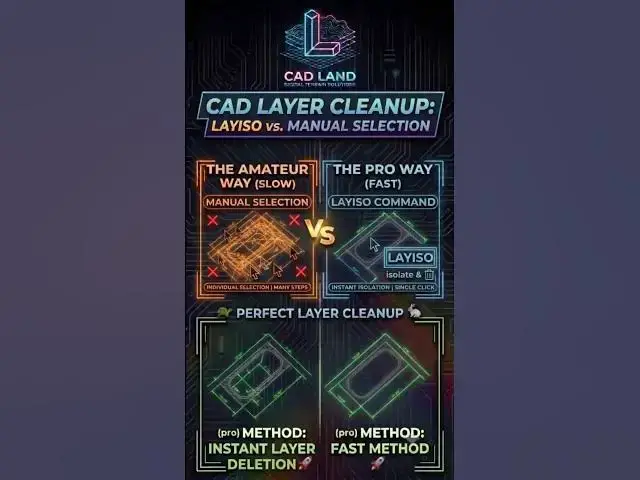

Stop Deleting AutoCAD Lines One-by-One! 🛑
Jul 20, 2026

Stop wasting time selecting dozens of dimensions, layers, or texts individually just to clean up your AutoCAD drawing.
The LAYISO (Layer Isolate) command allows you to lock or hide all layers except the ones you select. This lets you edit, move, or delete hundreds of objects instantly without affecting the rest of your design. Type LAYUNISO to bring everything back instantly.
👇 What is your biggest time-waste in AutoCAD? Comment below!
🔔 Subscribe to CAD Land for daily professional drafting workflows.
#AutoCAD #CADLand #CADShortcuts #Layiso #LayerManagement #Drafting #Engineering #Architecture #CADTips #Design
Show More Show Less