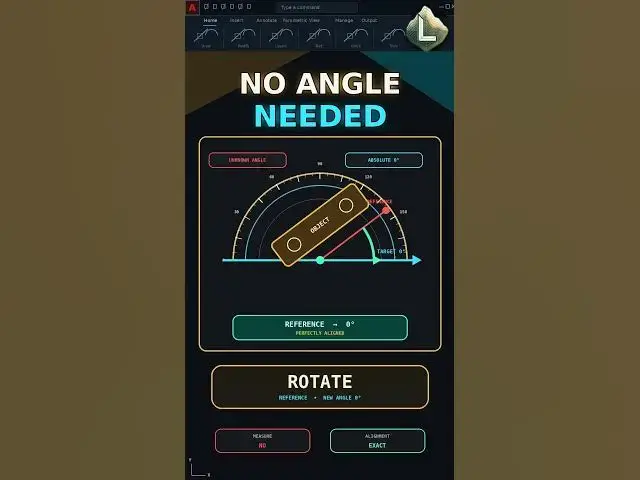

Rotate Any AutoCAD Object Without Measuring the Angle
Aug 21, 2026

Rotating an AutoCAD object by eye may look correct, but even a small angle error can cause alignment problems later.
Instead of guessing the rotation angle, use the Reference option inside ROTATE. Select two points on the object's straight edge to define its current direction, then enter the exact target angle.
Command sequence:
ROTATE → Select Object → Base Point → Reference → Pick Two Points → Enter 0
Entering 0 makes the selected reference edge horizontal and parallel to the X-axis.
This method removes visual guesswork and works even when the object's original angle is unknown.
Important:
Choose both reference points on the same straight edge. Incorrect reference points will create an incorrect rotation.
Subscribe to CAD LAND for precise AutoCAD workflows without unnecessary trial and error.
#AutoCAD #ROTATE #AutoCADReference #CADTips #CADLand
Show More Show Less